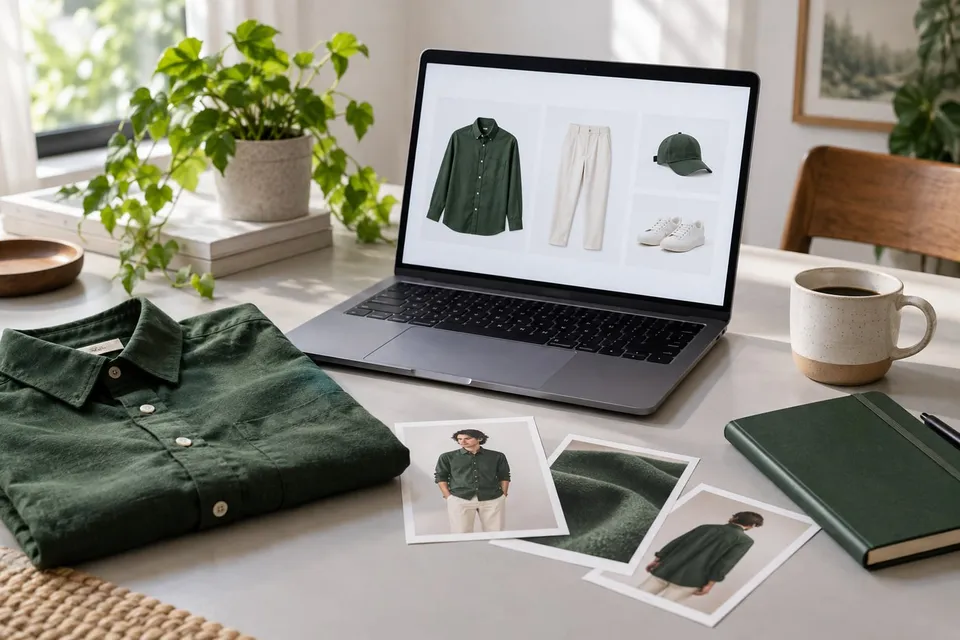
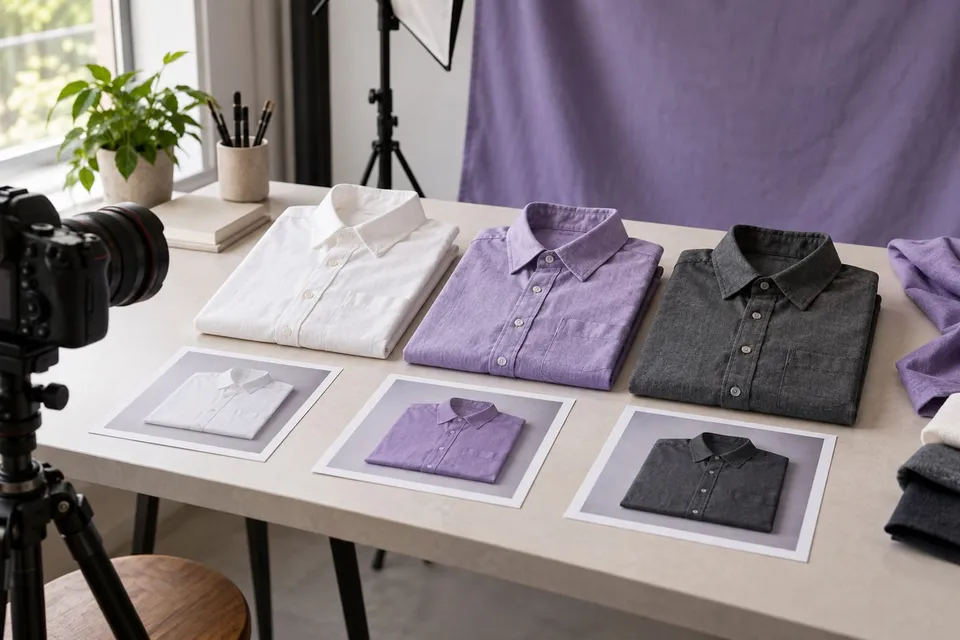
Prepare a product catalog for virtual try-on: a release checklist
Build a variant-level readiness matrix covering category mapping, usable reference images, stable URLs, visual checks and catalog maintenance.
The short answer
Approve each appearance variant against a category, image, destination and visual-quality checklist. Maintain the mapping yourself; the snippet does not synchronize the catalog.
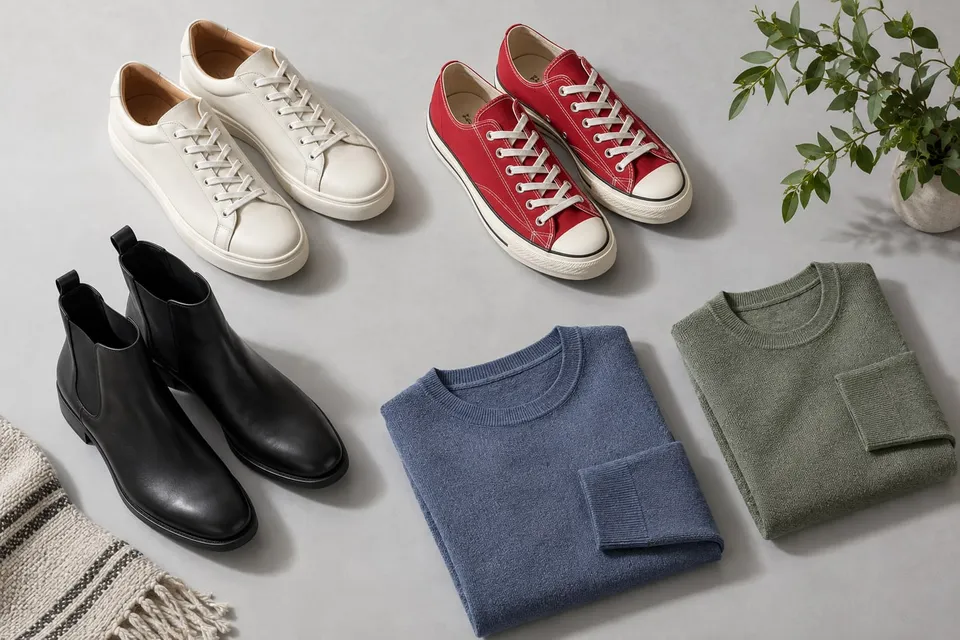
Make the unit of approval a variant
Start a readiness sheet with one row per sellable appearance variant, not one row per product family. Include internal identifier, selected attributes, localized name, preview category, reference image URL, purchase link, reviewer, review date and approval status. Track exclusions as deliberately as approvals. Twenty well-understood items can expose integration problems more usefully than a large unreviewed catalog. Shopify and WooCommerce document variant images; use your own product records to decide whether each specific image is suitable for this pilot.
Map merchandising categories to preview tasks
The supported identifiers are fashion, furniture, shoes, eyewear, watches-jewelry, lighting and wall-art. They describe the preview task, not every branch of a retail taxonomy. Map a jacket to fashion even if its shop department is a seasonal collection. Review mixed bundles manually: a dining set with several products may not provide a clear single-object reference. Do not force an unrelated product into a category merely to expose the button. Category availability does not guarantee faithful rendering of every item within it.
Use a category and image check matrix
For each approved item, retain a reasoned check against the source product. The following matrix is a starting point for merchant review, not a certification or a list of guaranteed outcomes. Add a specific failure example and an owner whenever an item is held back.
| Category | Reference-image check | Preview acceptance check |
|---|---|---|
| Fashion | Exact color, complete garment, visible cut | Seams, print and hem remain recognizable |
| Shoes | Correct pair, clear shape and sole | No invented fastenings or altered silhouette |
| Eyewear | Frame outline and lenses distinguishable | Bridge and frame shape remain credible |
| Watches and jewelry | One clearly identified item and finish | Links, stones and dial are not redesigned |
| Furniture | Complete object and selected upholstery | Structure preserved; dimensions checked separately |
| Lighting | Fixture shape and chosen finish visible | No inference about brightness or wiring |
| Wall art | Exact artwork, frame and aspect ratio | Composition retained; wall scale not assumed |
Approve the asset delivery, not just its thumbnail
Use a direct public HTTPS image address, not a product-page URL, a private media endpoint or a short-lived customer link. The current direct-image importer accepts JPEG, PNG and WebP and limits the fetched image to 5 MiB. Redirect, network and security checks can still reject an otherwise valid file. Validate the image through the intended integration, including the production image host. A browser thumbnail loading successfully is insufficient evidence that the backend can fetch the reference.
Avoid collages, promotional text covering the object and crops hiding product boundaries. Check transparency against the delivered image and look for background objects that might be mistaken for the product. Preserve the approved original and record transformations made by the image service. Confirm your team's authority to use the assets; this review does not establish legal compliance.
Treat variants as a synchronized record
The merchant snippet receives an image, name, category, locale and product purchase link explicitly; it does not automatically scrape or synchronize your catalog. Storefront code must update product attributes when a variation changes. The widget rereads product fields when reopened, while locale is fixed at initialization. Pair each reference image with the matching localized name and destination. A shared photograph may suit two size options with identical appearance, but it cannot demonstrate size-specific fit or justify substituting a different material.
Create an ongoing release gate
Review sample outputs for lost details, changed proportions and confusing objects, then mark each item approved, needs correction or excluded. These are proposed catalog statuses, not built-in widget controls. Retest after a new image, changed variant mapping, replaced theme or altered media host. Keep an accessible route to normal product information when a preview is unavailable. Monitor errors by product identifier without adding shopper photos to routine reports. Expand only after resolving recurring failures; a polished preview is neither a measurement nor a guarantee of color, fit, texture or physical performance.
Sources and context
About this guide
Prepared with AI assistance by Focus Labs, the operator of VirtualTryOn.store. These guides explain the tool and practical purchase or integration checks; they are not independent product tests. External evidence is linked where used. Illustrations are AI-generated unless identified as product examples.