


VirtualTryOn.store
Virtual Try On
Try it online for free
Try clothes, shoes, glasses, furniture and more virtually in your own photo. Upload a product photo and your own image and get an AI preview right away – free and without signing up.
Free in your browserNo signup
Your turn
Try Virtual Try On instantly for free.
Upload a product photo and your own photo in a few clicks, or use the camera. Get your personal AI preview without signing up.
Free in your browserNo signup
Try it on
Your product
Show the whole product clearly. A sharp screenshot of the main product photo is enough.
Your photo
Keep your upper body and arms visible in even light.
Optional requestUp to 300 characters
Creating a preview sends both images for AI processing. Privacy
Add a product photo to continue.
Different products. Your own perspective.
See the difference in your photo.
Product photo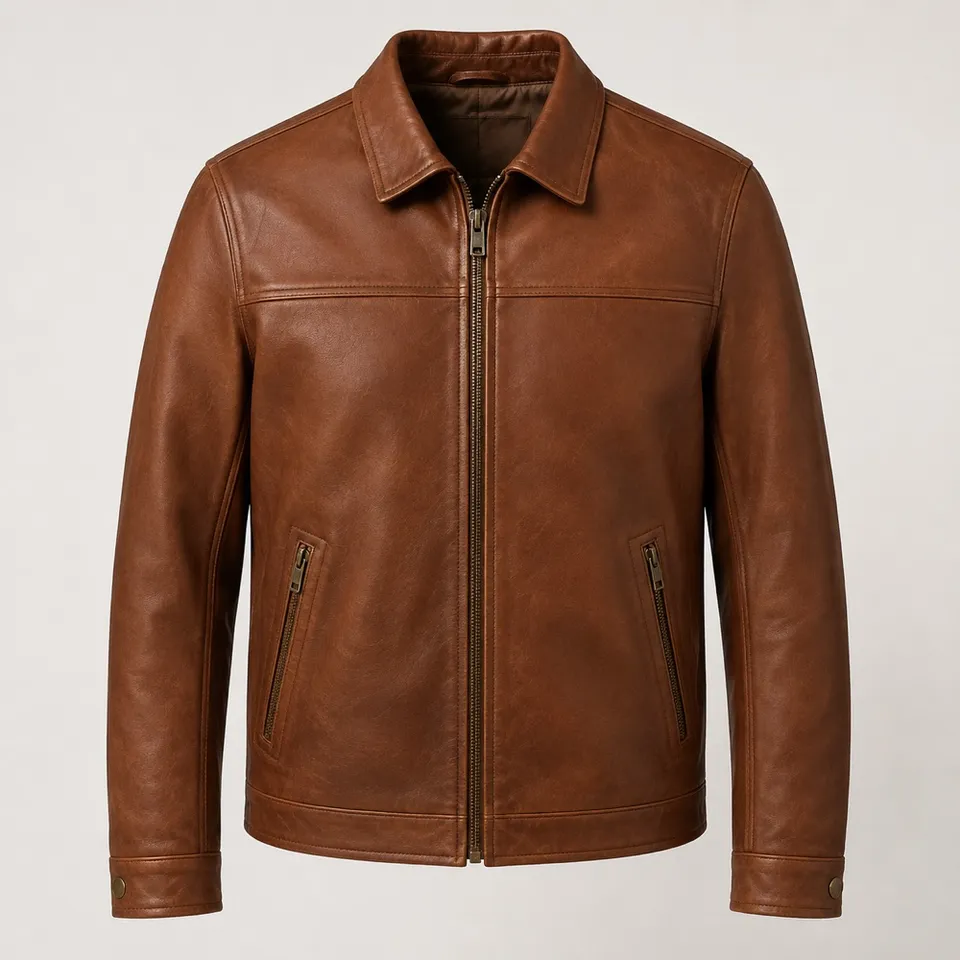
Your photo
Your preview
A jacket for an outfit you already wear
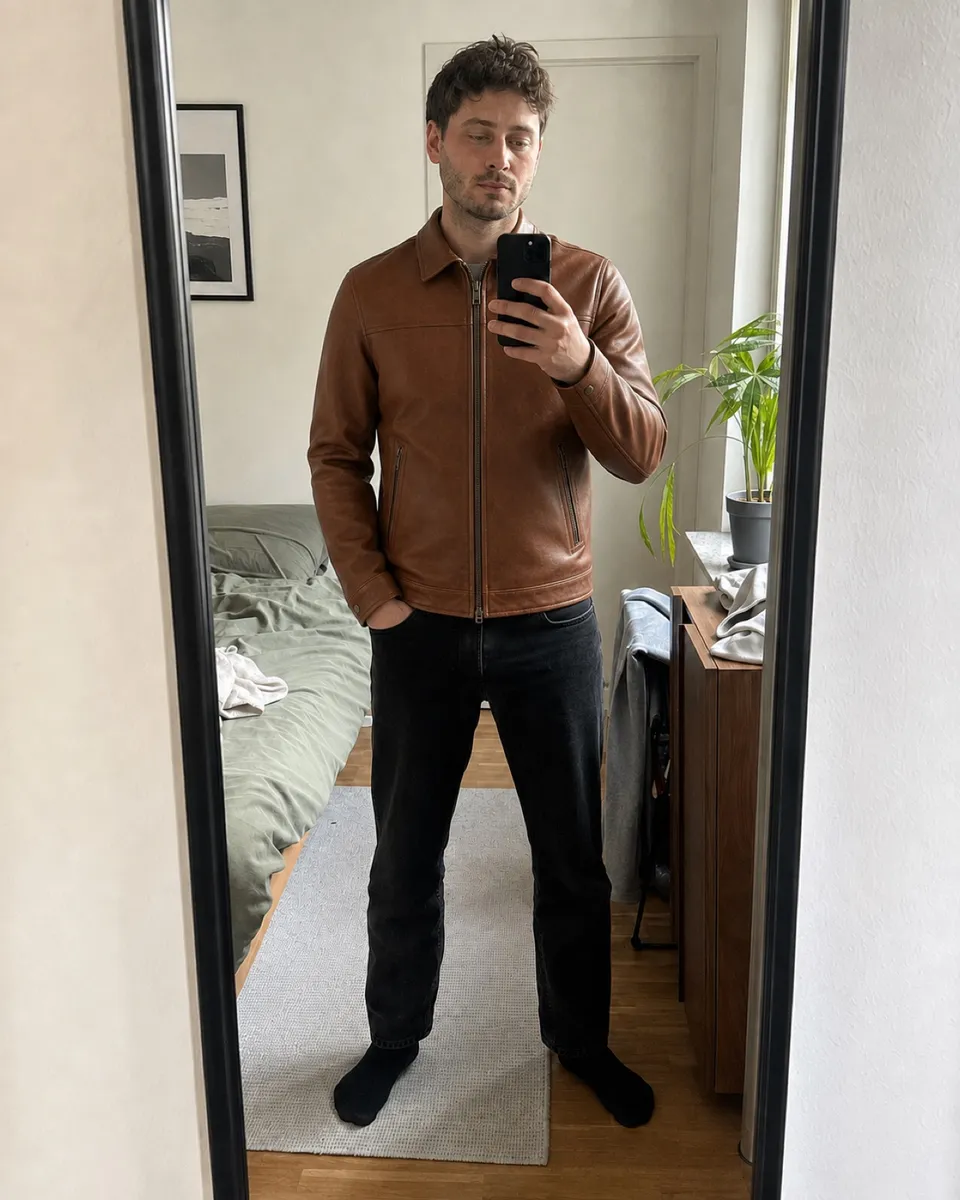
Keep your trousers and shoes in the reference photo and compare a light jacket with a darker alternative. Judge the combination, not sleeve length or fit.
Explore this categoryTransparent pricing
Fair costs that scale with your shop.
Pay for the software, not a hidden image surcharge. When model prices fall, your generation costs fall too.
$10 AI credit included
Automatically applied to generated previews
After the credit
Actual AI cost, without markup
Model-independent
OpenAI, Google and other suitable models can be selected as the workflow evolves.
OpenAI Google
 Meta
Meta
GoogleMetaCost curve instead of package prices
More previews. A growing price advantage.
The chart compares illustrative monthly total costs. VirtualTryOn.store charges the platform license plus actual AI cost after the included credit — without a per-image margin.
VirtualTryOn.store$39 license + actual AI cost
$200FASHN$0.075 / image
$750Perfect Corp.$0.096 / result
$960TryPoint Grow$99.99 + $0.10 / extra try-on
$1,000License$39
+AI usage$171
−Credit$10
=Monthly cost$200
Method and public sources
Comparison dated 25 Sep 2026. USD values are shown directly. Our measured example varies by model, inputs and quality. Competitor results, features and output quality are not identical; taxes and individual volume agreements are excluded.
Ideas for your next find
All guides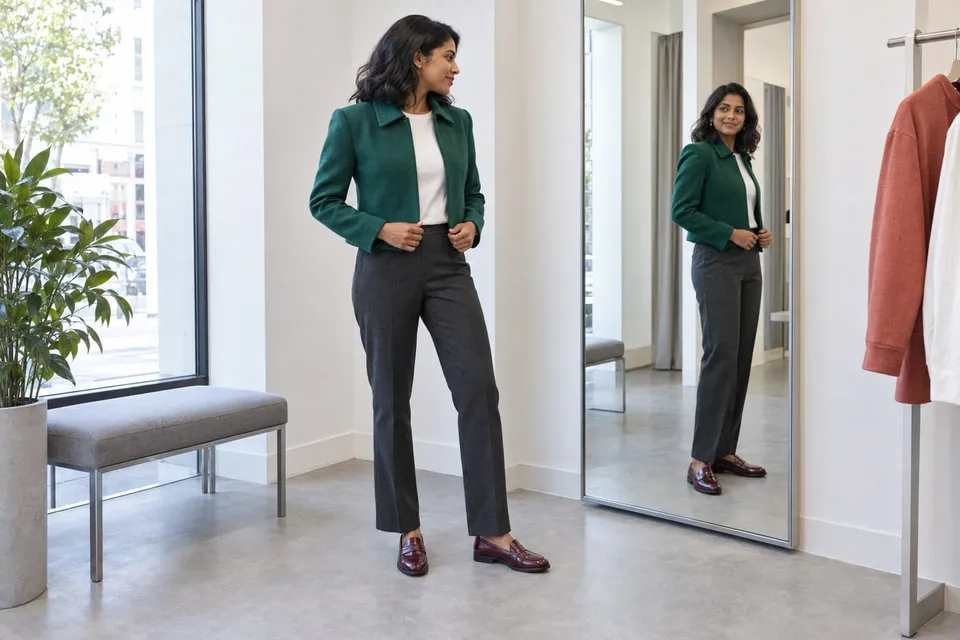
How will these clothes look on me, and will they actually fit?
Use a photo preview to compare outfits, then check the garment's size chart, measurements and movement needs. Keep visual preference separate from physical fit.
Read guide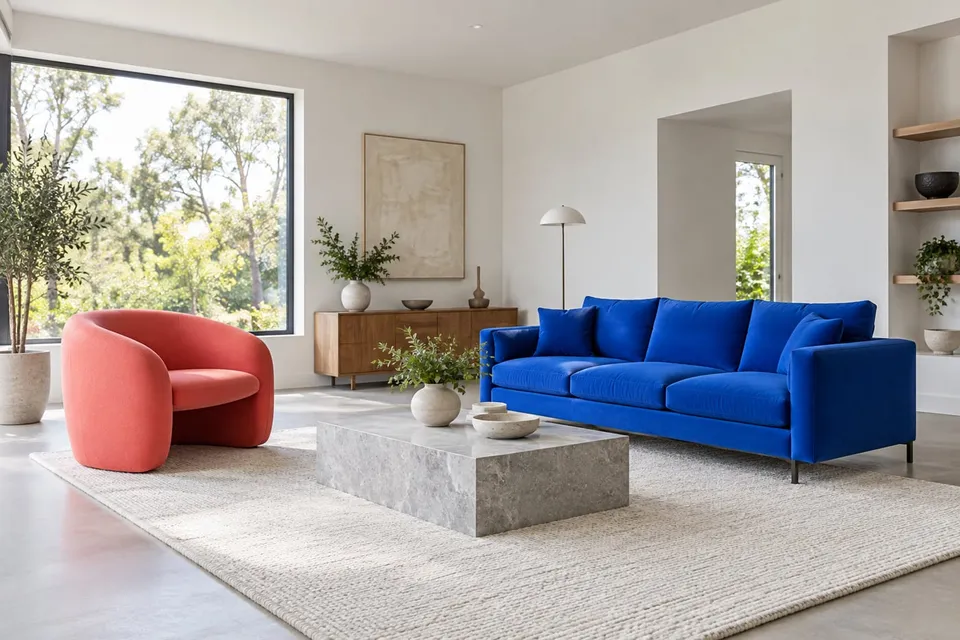
A new chair, the same room: preview furniture with purpose
Upload a furniture photo and a room photo to compare color and shape. Plan the view, mark out real dimensions and check generated scale carefully.
Read guide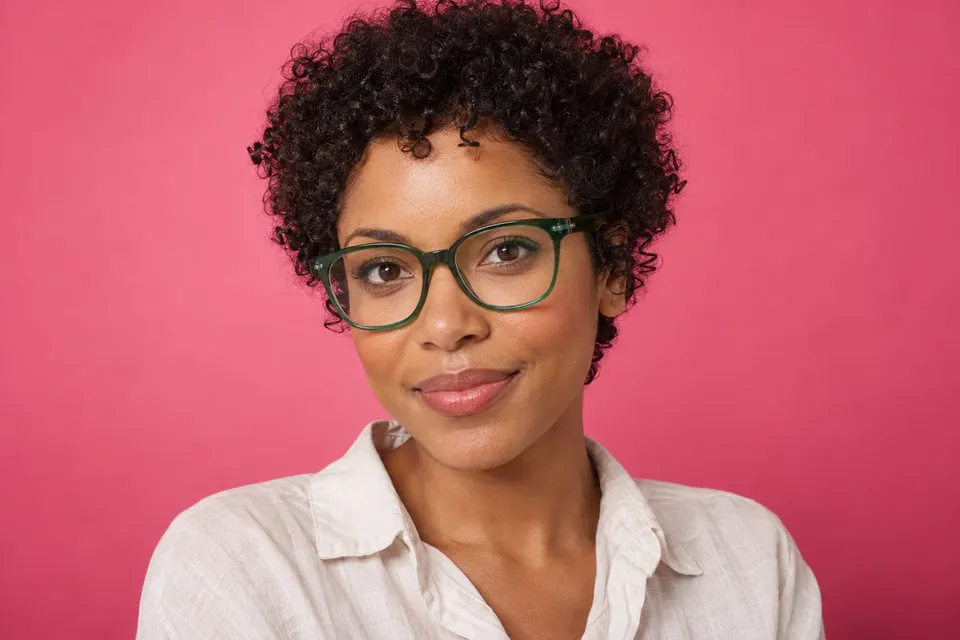
Bold or barely there? Compare glasses frames on your face
Upload a frame photo and a clear portrait to explore outline, rim thickness and color. Check face changes and real fitting measurements.
Read guideBefore you try
Can I try it without an account?
Yes. The free browser trial does not require signup. Availability and usage limits may apply; the tool will tell you when a request cannot be processed.
What photos do I need?
Upload a product photo and a photo of yourself or your room. You can also take your own photo with the camera. Use images you have permission to upload.
What can I preview?
Clothing, furniture, shoes, eyewear, watches and jewelry, lighting, and wall art. Choose a category and a photo that clearly shows the relevant body area or room position.
Does it tell me whether something fits?
No. The preview suggests an appearance, not a measured fit. Check clothing sizes, furniture dimensions, materials and product details separately.
Is this a live camera filter?
You can take a photo with your camera, then generate an AI preview. It is a still image, not a live AR filter, and details or proportions may change.
For retailers and brands
This experience. In your own store.
Let shoppers discover products in their own photos, ask for a second opinion and keep shopping with a more personal perspective.