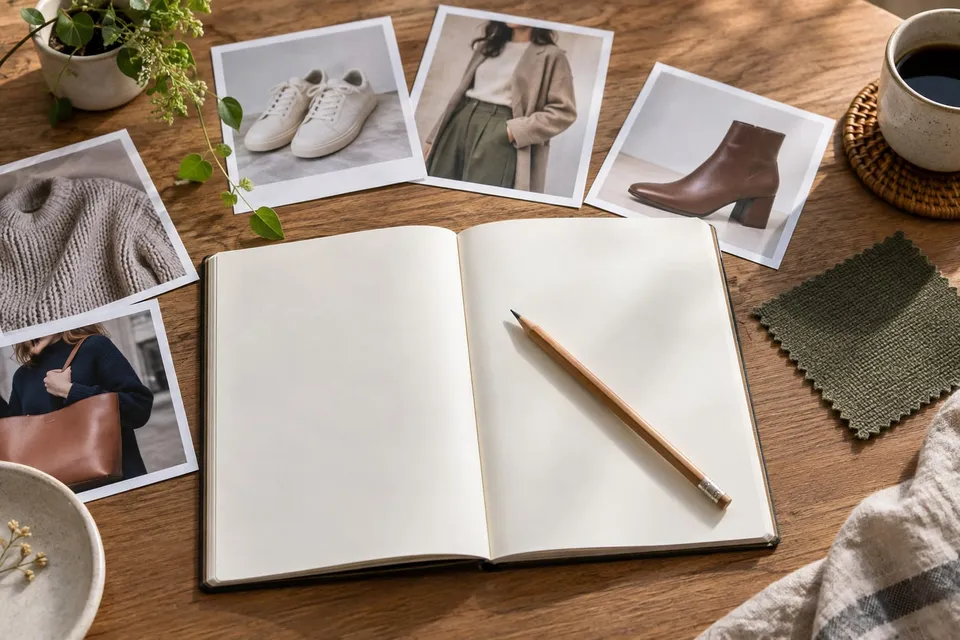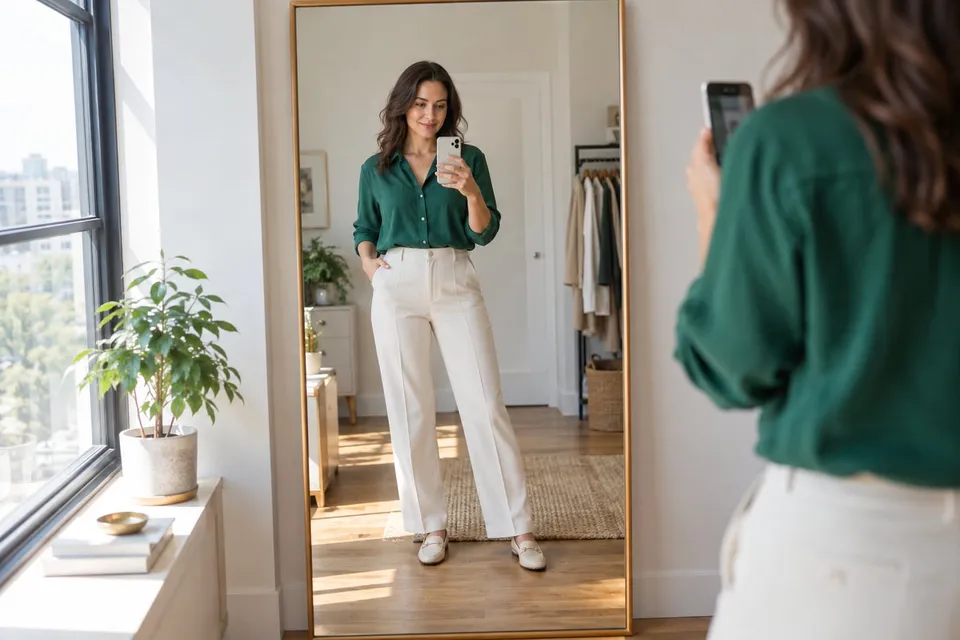
Better photos for a useful virtual try-on
Choose the right product image, frame your body or room clearly and compare results without mistaking an AI preview for a measurement.
Read guideChoose better photos, compare a look, plan a room or evaluate virtual try-on for your store.
18 guides
Choose the right product image, frame your body or room clearly and compare results without mistaking an AI preview for a measurement.
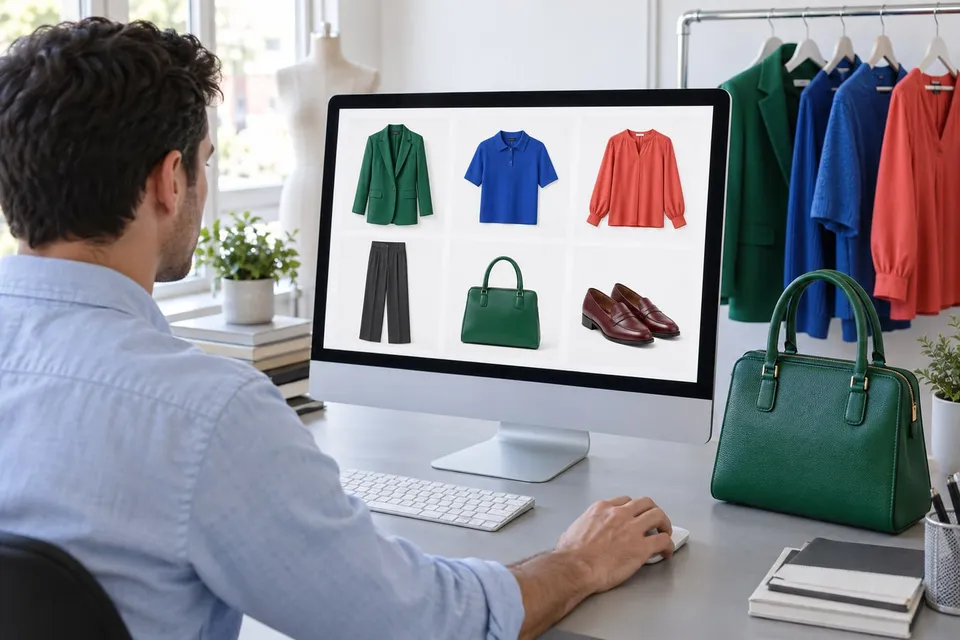
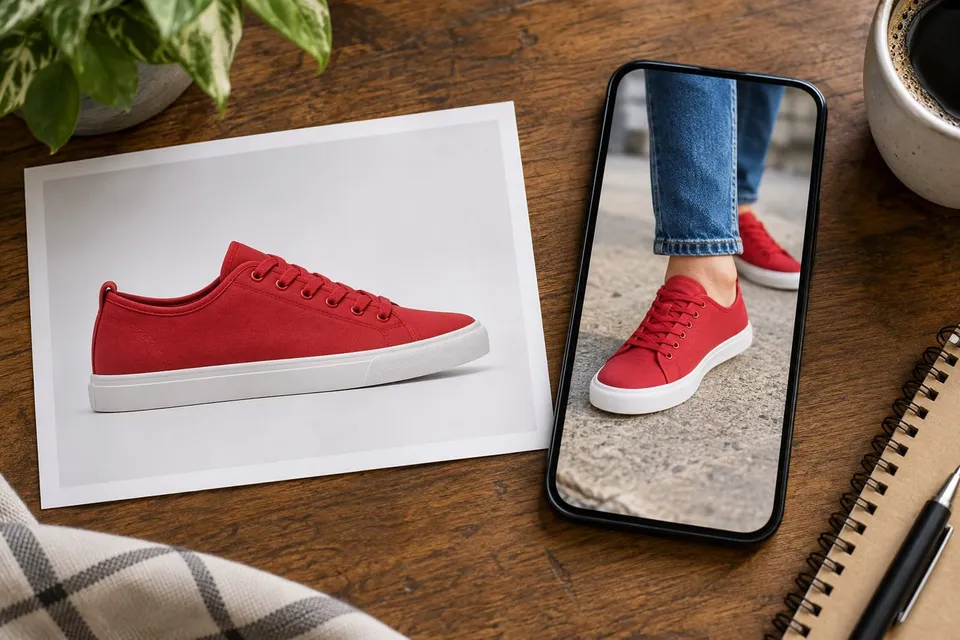
Read guideSave a permitted product photo, choose the right variant and crop screenshots cleanly. Upload it with your own photo for a more useful AI preview.
Read guideUnderstand generated photo previews and live augmented reality, their different inputs and the checks you still need before buying.
Read guideUpload a furniture photo and a room photo to compare color and shape. Plan the view, mark out real dimensions and check generated scale carefully.
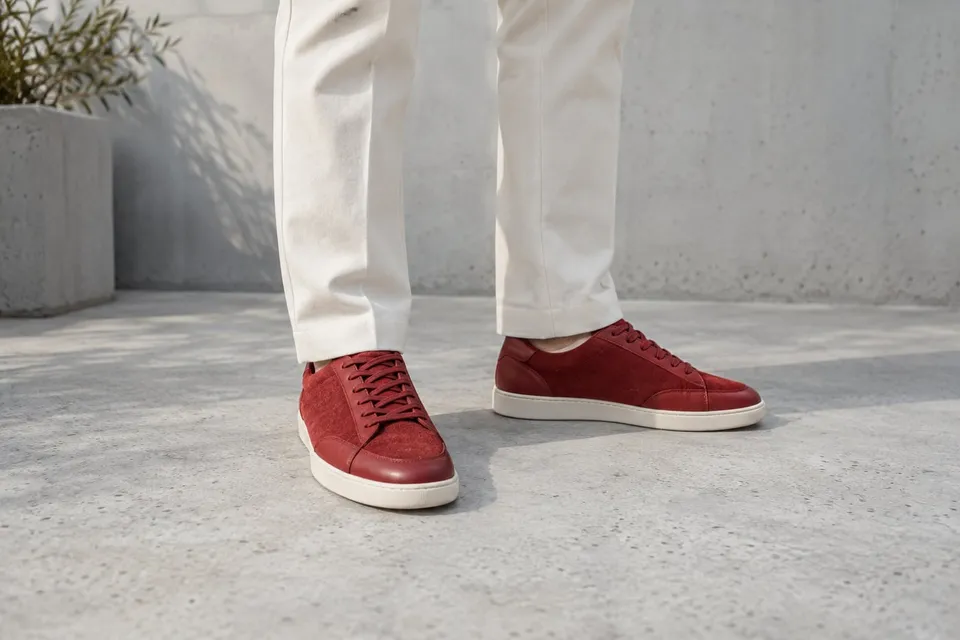
Read guideUpload a shoe photo and your outfit photo to compare hems, silhouette and color. Check sizing and comfort separately.
Read guideUpload a frame photo and a clear portrait to explore outline, rim thickness and color. Check face changes and real fitting measurements.
Read guidePlan a merchant pilot with clear purchase denominators, randomized access, diagnostic events and margin checks. Interpret case studies without borrowing their results.
Read guideSeparate appearance doubts from fit, delivery and quality issues. Build a returns pilot with mature delivery cohorts, reason codes and a clear economic decision.
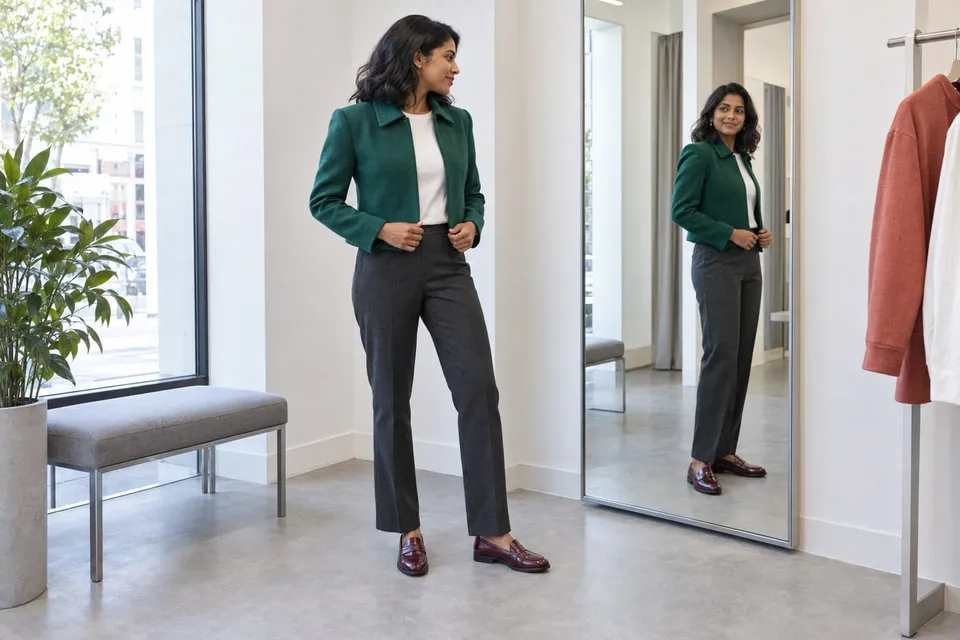
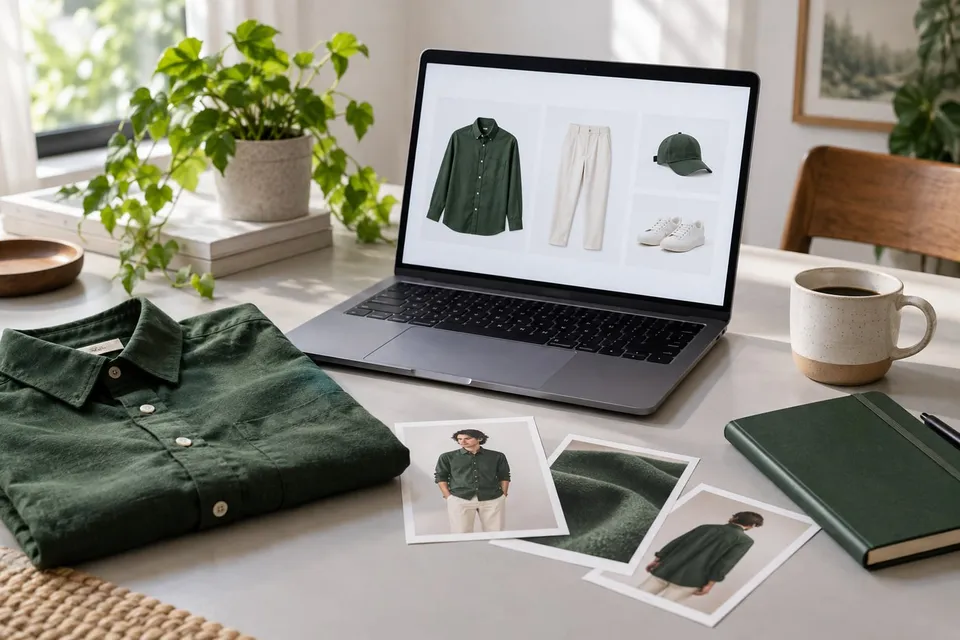
Read guideUse a photo preview to compare outfits, then check the garment's size chart, measurements and movement needs. Keep visual preference separate from physical fit.
Read guideCheck product variants, theme access, a hosted preview dialog, data handling and measurement before choosing an integration route. Build a concrete pilot brief.
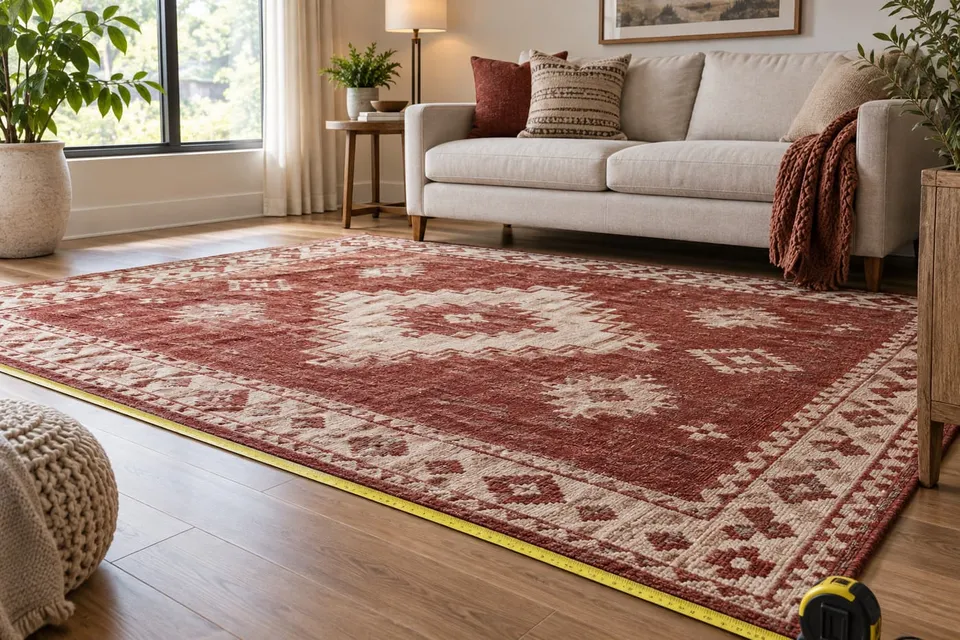
Read guideUpload a rug photo and your room photo to compare pattern and placement. Use real measurements to choose dimensions; the preview does not establish scale.
Read guideCompare a lamp's shape, finish and position using uploaded photos. Check dimensions, light specifications and installation separately from the generated image.
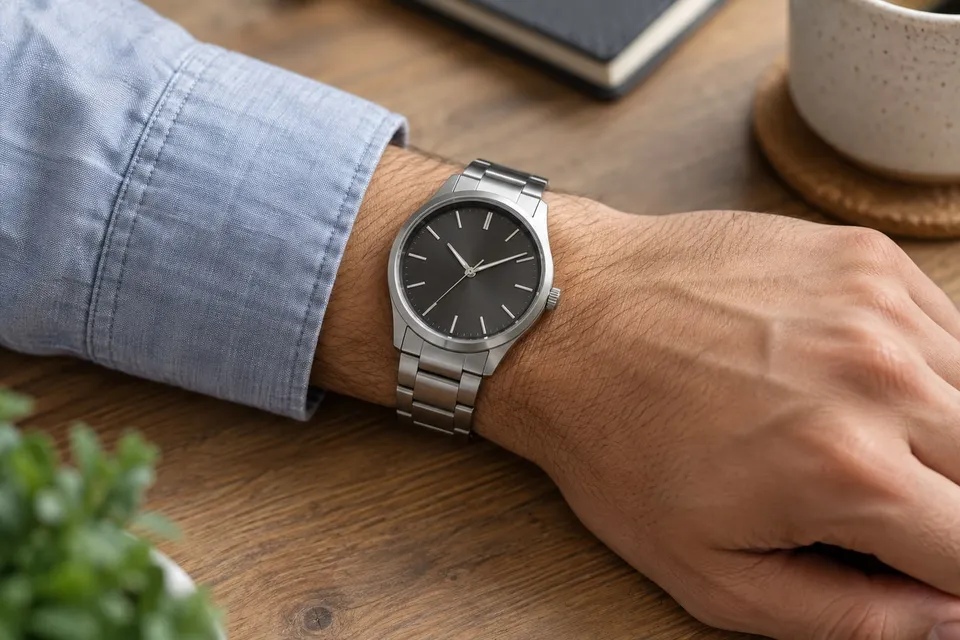
Read guideUpload a watch photo and a wrist photo to compare dial, case and strap styling. Confirm case dimensions and strap fit with the seller's measurements.
Read guideFind the stage that failed, check both uploads and the square crop, then follow the displayed error. A distorted preview needs different action from a connection failure.
Read guidePrepare a Shopify theme pilot with explicit product images, selected-variant updates, localized entry points and a tested route back to purchase.
Read guideMap WooCommerce selections to a hosted preview, handle resets and missing images, and test the theme, cache and purchase return path.
Read guideBuild a variant-level readiness matrix covering category mapping, usable reference images, stable URLs, visual checks and catalog maintenance.
Read guideCompare virtual try-on cost per image, pay-as-you-go pricing and monthly fees. See how $10 in AI credit and AI usage without markup affect costs at scale.
Read guide