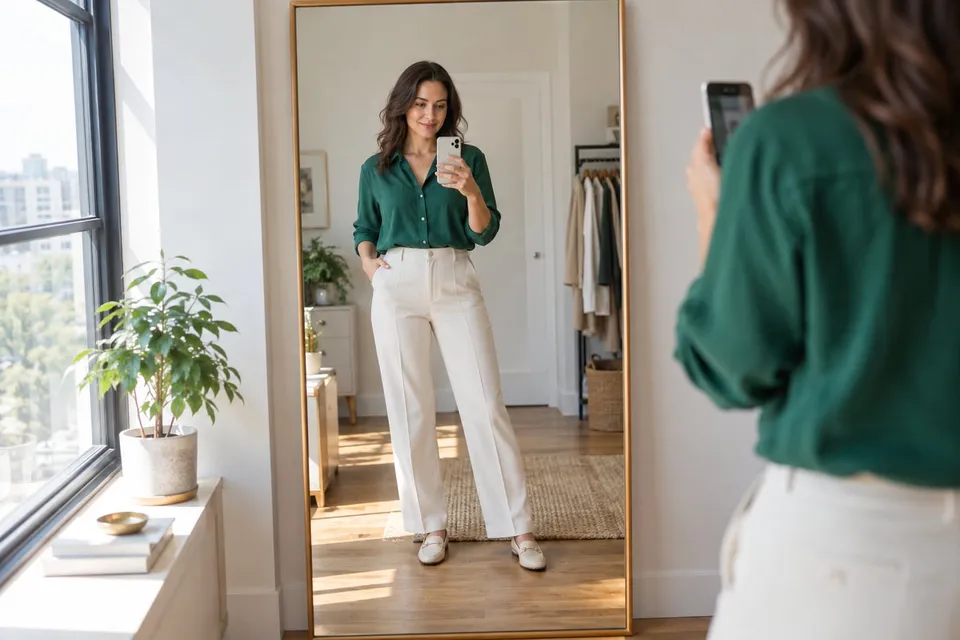
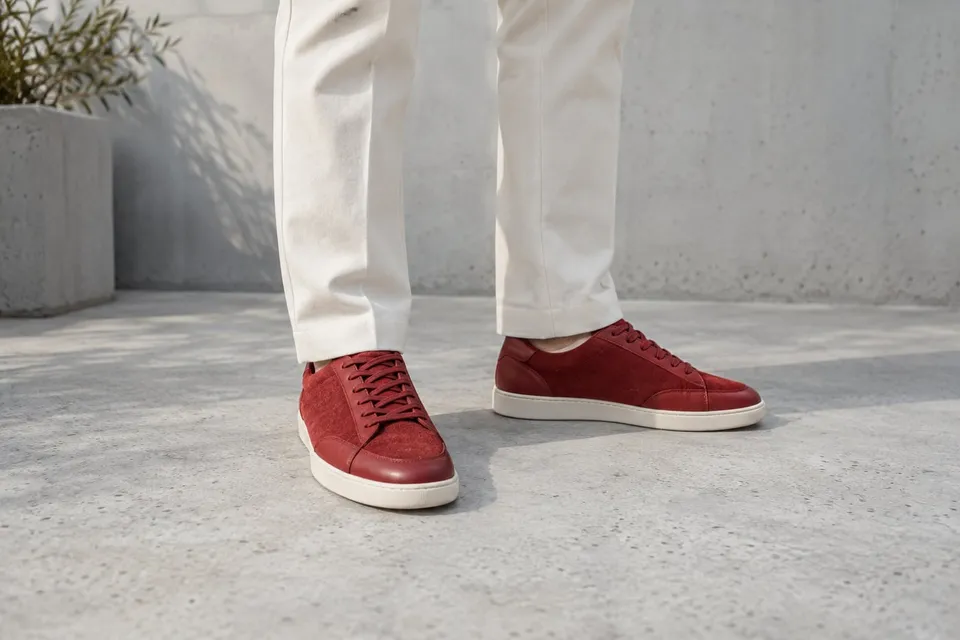
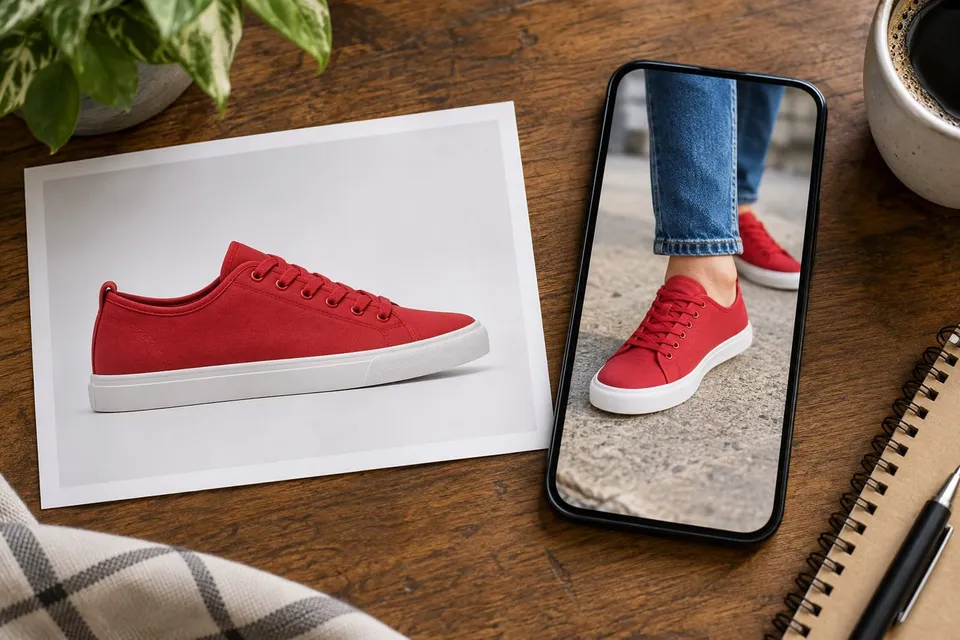
How will these clothes look on me, and will they actually fit?
Use a photo preview to compare outfits, then check the garment's size chart, measurements and movement needs. Keep visual preference separate from physical fit.
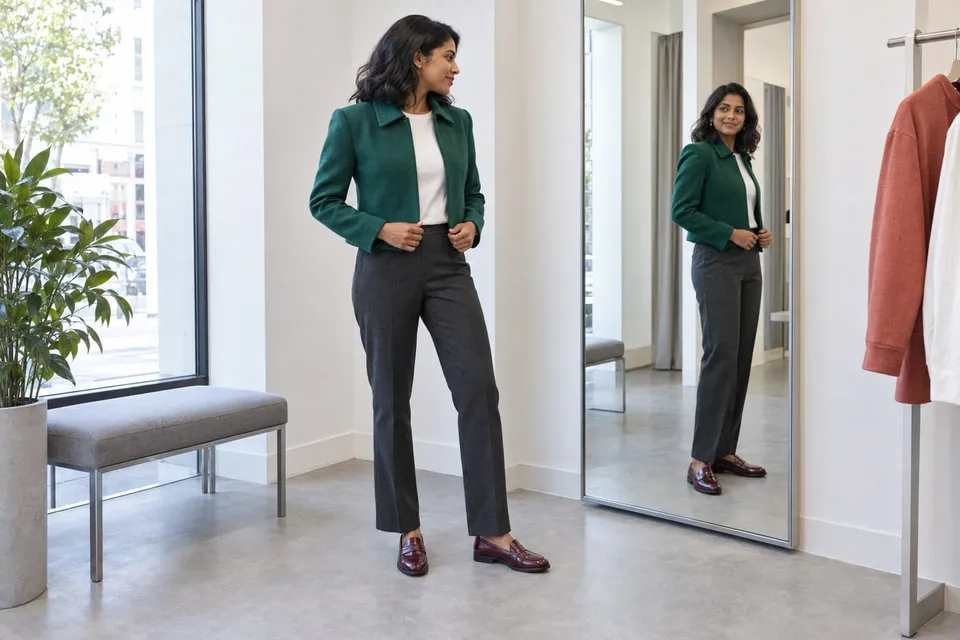
Give appearance and fit different jobs
A photo preview can help you explore whether you like a color, neckline or outfit combination. It does not establish the right clothing size. A convincing image does not tell you whether a waistband feels tight, a sleeve restricts movement or fabric stretches enough when you sit. Make two notes for a potential purchase: what you like about the look and what you still need to know about wearing it.
Keep the comparison consistent
Start with a clear photo that shows the relevant body area without a bag or crossed arms covering it. Use the same photo to compare two garments, and confirm the exact product and color in each reference image. Change one question at a time, such as a cropped versus longer jacket with the same trousers. Different poses or camera angles can make a styling comparison misleading.
Check what the generated image changed
Compare your original photo, the shop image and the preview together. Look at shoulders, hands, body outline, fastenings, pockets, pattern and hem. If the tool changes your proportions or redesigns the garment, set that result aside. A visible gap around the waist is not measured room, and a smooth sleeve is not evidence of comfort. Check color and texture against the seller's other photos and material description.
Read the chart for this product
Open the brand's guide for the particular garment rather than relying on the size you usually buy elsewhere. Check whether its numbers describe body measurements or the finished garment, and confirm centimeters or inches. Follow the stated measuring method. Compare with a comfortable similar item only when both measurements use the same points and method; a flat width and a full circumference are not directly interchangeable.
Turn fit questions into specific checks
For trousers, check the listed waist, rise and inseam and think about sitting. For a jacket, check shoulders, sleeve length and room for your intended layers. Read fabric composition, stretch information and whether the cut is fitted or relaxed. A generated image cannot calculate wearing ease or predict fabric recovery. If measurements are missing or you fall between sizes, ask the seller about those exact points instead of letting the preview choose.
Build a shortlist you can verify
Save the product link, variant and size under consideration alongside your visual preference and unresolved fit questions. Check return conditions before ordering. When trying the real garment, follow the seller's handling conditions and test normal movements such as sitting, reaching and walking. Judge pressure, slipping and freedom of movement directly. Keep the preview as a styling reference; choose the size using product information and the physical try-on when available.
About this guide
Prepared with AI assistance by Focus Labs, the operator of VirtualTryOn.store. These guides explain the tool and practical purchase or integration checks; they are not independent product tests. External evidence is linked where used. Illustrations are AI-generated unless identified as product examples.