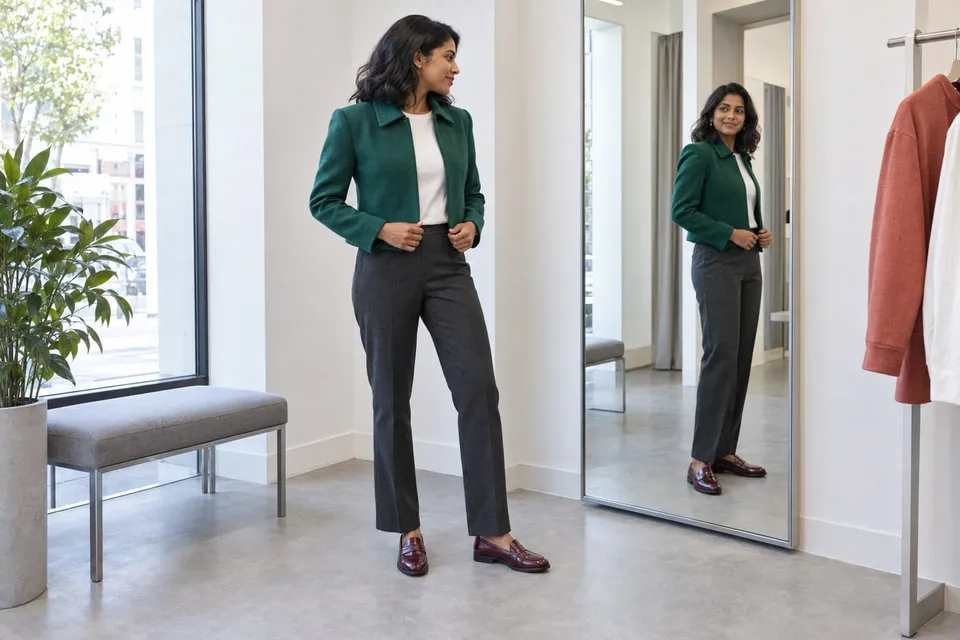
How will these clothes look on me, and will they actually fit?
Use a photo preview to compare outfits, then check the garment's size chart, measurements and movement needs. Keep visual preference separate from physical fit.
Read guideA jacket can look very different beside the clothes you already own. Use your own photo to explore its color, neckline and overall style before narrowing your shortlist. Start with one garment and a clearly visible body area so the comparison answers a specific question.
Show the whole product clearly. A sharp screenshot of the main product photo is enough.
Keep your upper body and arms visible in even light.
Creating a preview sends both images for AI processing. Privacy
Add a product photo to continue.
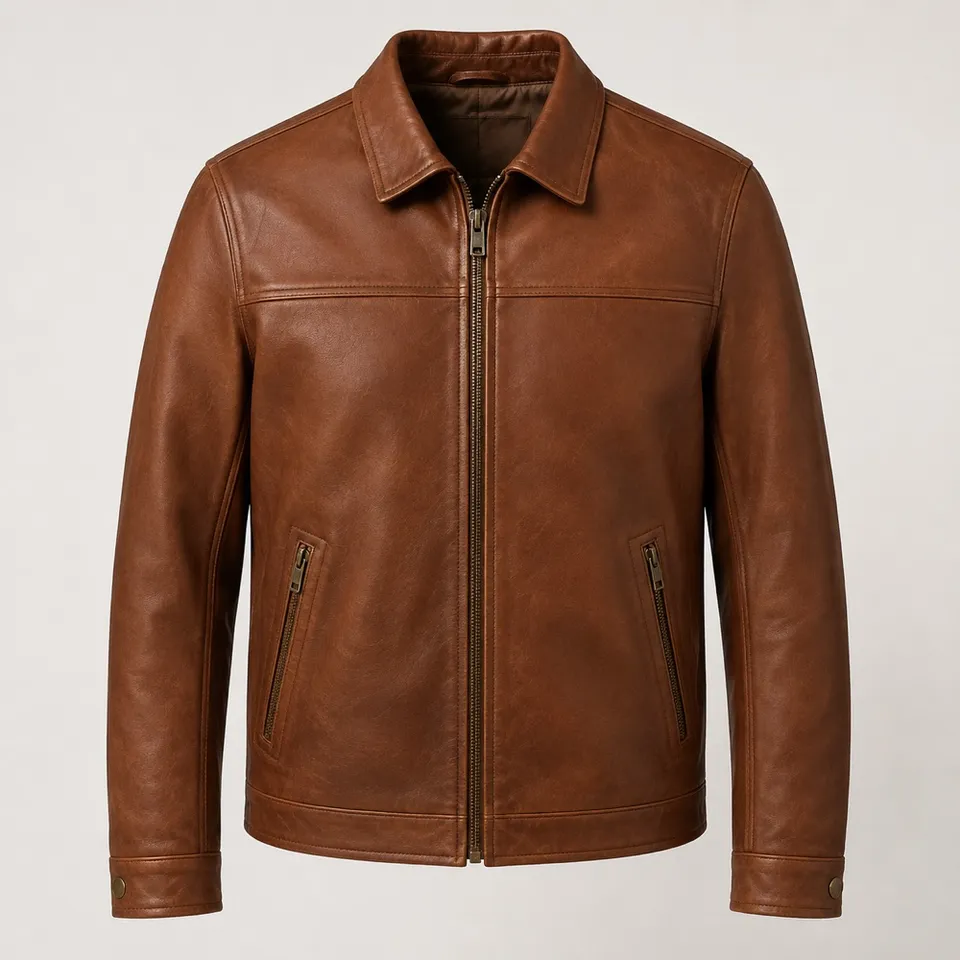
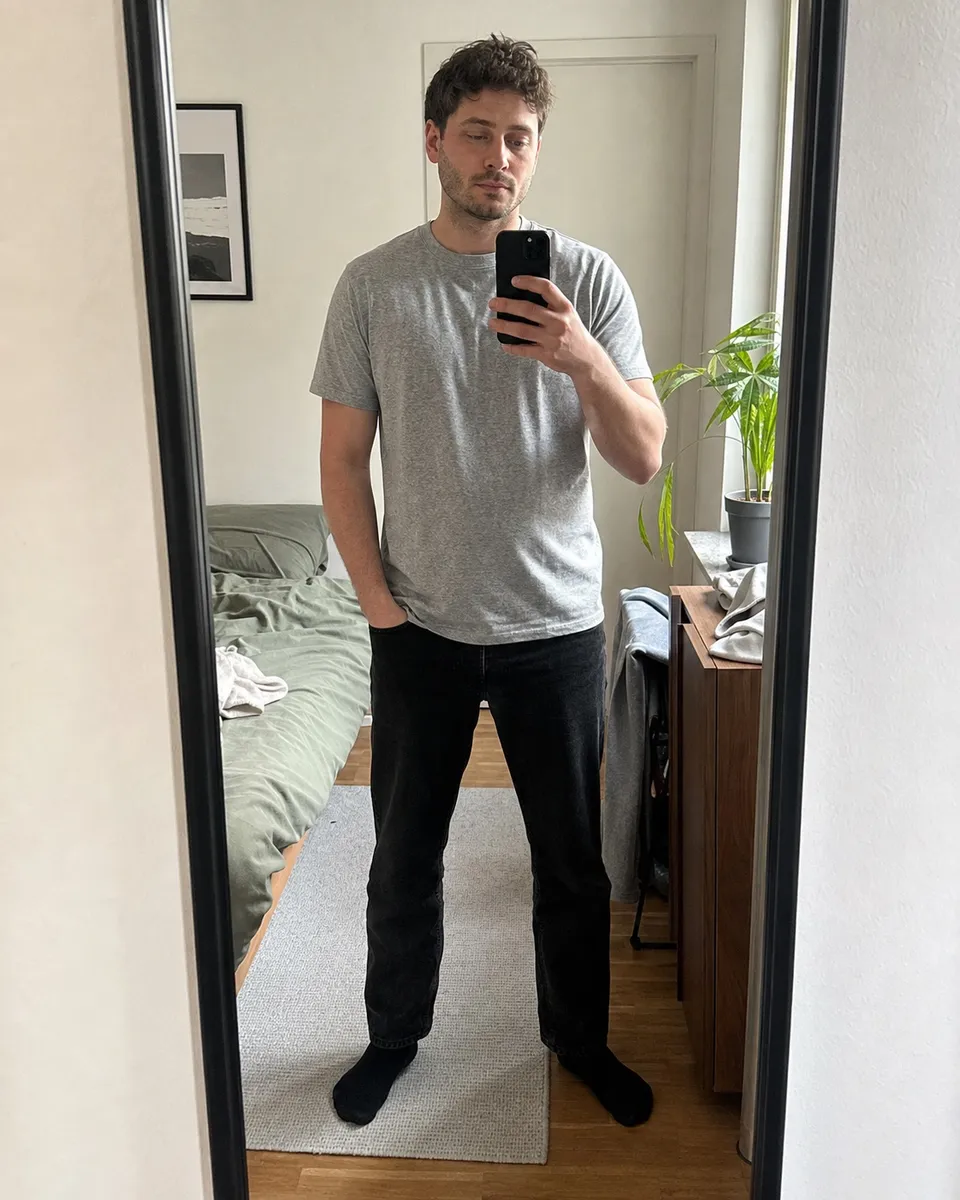
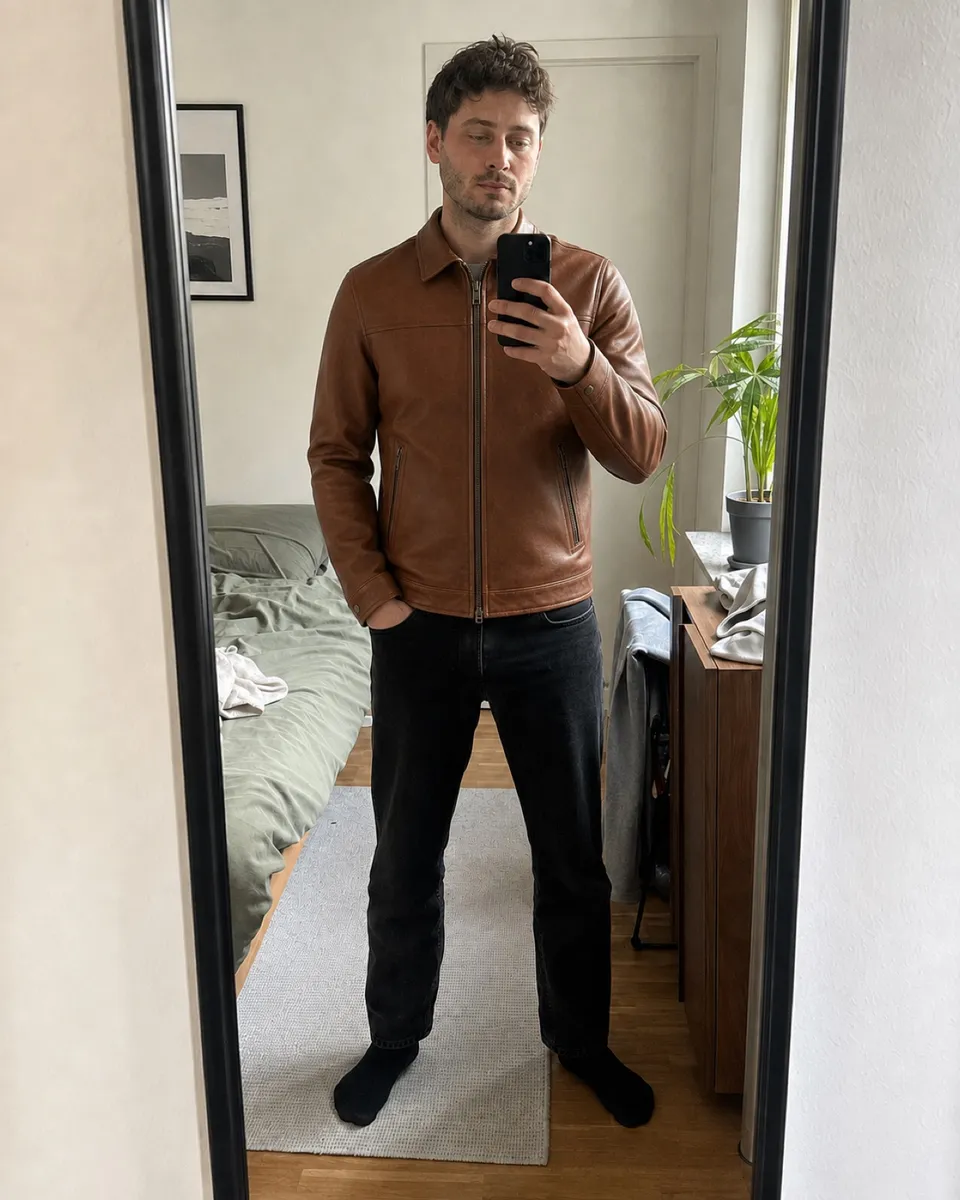
Keep your trousers and shoes in the reference photo and compare a light jacket with a darker alternative. Judge the combination, not sleeve length or fit.
Try it freeNo fit guarantee. Draping, garment length, texture and exact colors may differ from the real item.
Yes. Use the same personal photo and the correct product image for each color. Compare the overall combination, then check the seller’s color description.
No. A generated image does not measure your body or model fabric tension. Use the brand’s size chart and garment measurements.
Yes. Check logos, patterns, pockets, hems and buttons against the original image. Fine details can be simplified or altered.
Use a photo preview to compare outfits, then check the garment's size chart, measurements and movement needs. Keep visual preference separate from physical fit.
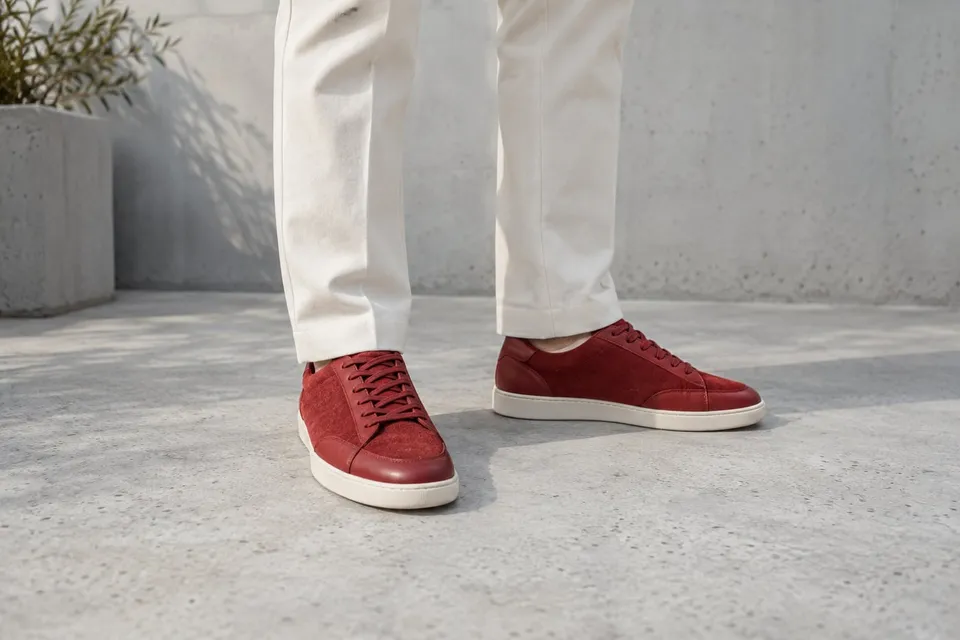
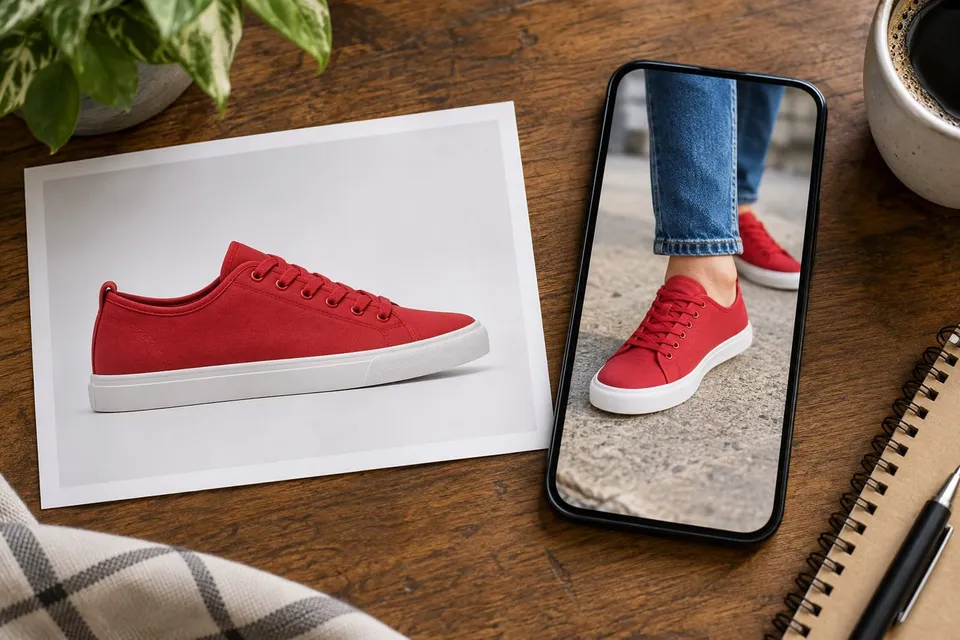
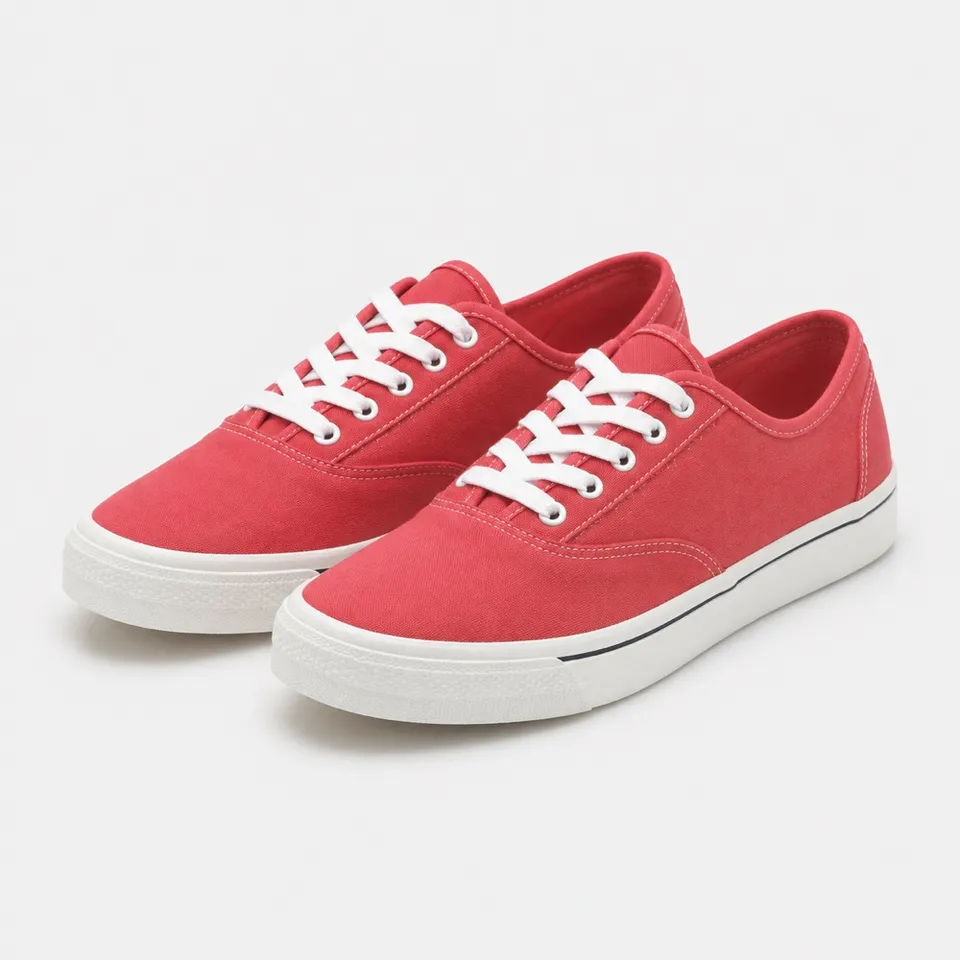
Read guideUpload a shoe photo and your outfit photo to compare hems, silhouette and color. Check sizing and comfort separately.
Read guideFind the stage that failed, check both uploads and the square crop, then follow the displayed error. A distorted preview needs different action from a connection failure.
Read guide