Preview a lamp in your room without guessing its light output
Compare a lamp's shape, finish and position using uploaded photos. Check dimensions, light specifications and installation separately from the generated image.
Separate the object from the light it produces
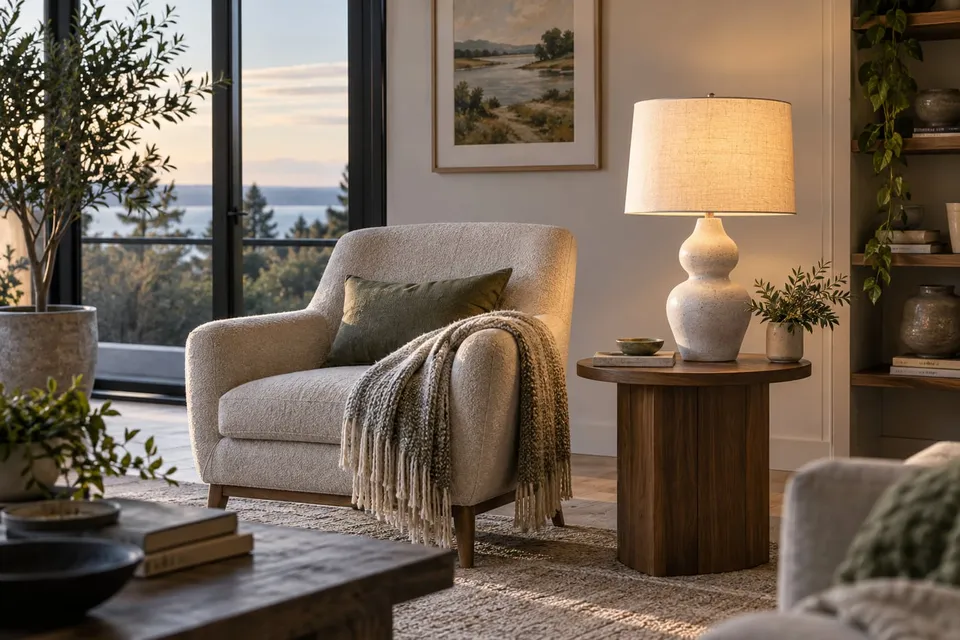
A lamp preview can help you decide whether you like a shade, stem or finish beside your furniture. It cannot show reliably how bright the room will be or where glare and shadows will fall. Begin with the lamp's intended role: a decorative object beside a sofa, a bedside reading light or a pendant over a table. Keep two questions in your notes: whether you like its appearance and whether the actual product can provide the lighting you need.
Build a useful room view
Choose Lighting and upload a product photo showing the complete lamp, including the base and shade where applicable. Upload a room photo or take one with the camera, then confirm the square crop. Keep the intended position and nearby furniture inside it. For a floor lamp, include the floor and enough wall above; for a pendant, include the ceiling area and table. A daylight photo helps you compare the object against the room without relying on a generated glow to make the choice.
Give a specific visual request
For example, write: ‘Place the floor lamp beside the left arm of the sofa. Keep the sofa, wall and window unchanged.’ Compare that with a second lamp using the same room image. Focus on the outline of the shade and whether the finish relates to existing handles or furniture legs. The request does not lock the scene or set real dimensions. Check the base, stem and shade against the uploaded product photo; a more elegant silhouette is irrelevant if the model has redesigned the lamp.
Verify placement outside the image
Measure the available position and compare it with the seller's height, base footprint and shade width. A lamp can appear to fit because the preview made its base smaller or raised the ceiling. For a table lamp, check the usable tabletop and the switch position. For a floor lamp, consider the actual cable route and access to the socket. For fixed or suspended lighting, confirm mounting requirements and the permitted installation with the supplier or installer; a photo does not establish that the proposed location is suitable.
Read the specification for the lighting question
Check whether the listing describes an included light source, a replaceable bulb or an integrated unit. Look for the stated light output, color temperature and dimming compatibility, and clarify missing details with the seller. Do not treat an attractive pool of light in the result as a measurement. For example, two similar-looking bedside lamps may have different controls or supplied bulbs. If reading is the goal, ask about that use and examine the real product when possible. A daytime preview cannot settle the nighttime experience.
Make a shortlist you can check
Save your preferred image and record the exact lamp model and finish separately. Keep a brief reason for your choice, such as ‘the narrow shade leaves the artwork visible’. Then answer the following questions before ordering; unanswered practical questions remain open even when the preview looks convincing.
- Does the real shade, stem and base match the product represented in the preview?
- Have you checked the listed dimensions, placement, cable route and access to controls?
- Are the light source, light output and any required dimmer compatibility specified for the exact variant?
- Are mounting arrangements, included parts and return conditions clear? Refer installation questions to the supplier or installer.
About this guide
Prepared with AI assistance by Focus Labs, the operator of VirtualTryOn.store. These guides explain the tool and practical purchase or integration checks; they are not independent product tests. External evidence is linked where used. Illustrations are AI-generated unless identified as product examples.