Preview a rug in your room: pattern, placement and size checks
Upload a rug photo and your room photo to compare pattern and placement. Use real measurements to choose dimensions; the preview does not establish scale.
Decide what the rug should bring together
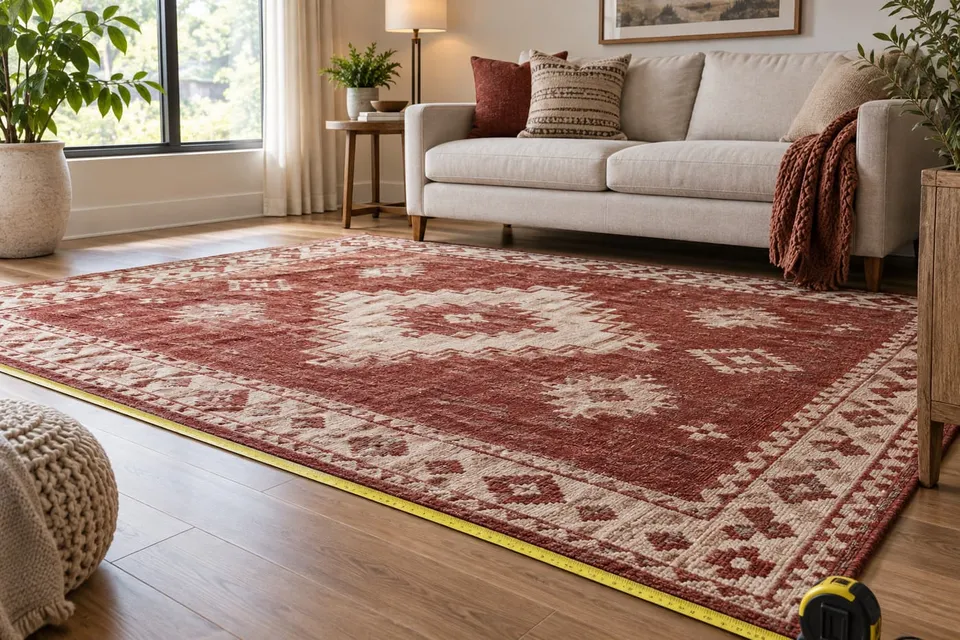
Use a rug preview to explore how a pattern, border or color connects the furniture already in your room. Start with one question: should the rug frame the coffee table, visually join the seating area or add contrast to a plain floor? A generated image can help you describe your preference, but it cannot choose the correct dimensions. Write down which furniture will stay and where you want the rug edges to fall before comparing products.
Show the floor you want to change
Upload a clear image of the whole rug, including its border and any fringe, and choose Furniture. Add your room photo by upload or camera. In the square crop, keep the intended floor area, sofa feet and nearby furniture visible. A close crop around an empty patch loses the relationships you need to judge placement. If an existing rug hides the floor, remove it for the photo where practical. Keep the same room image when comparing different designs.
Ask for one placement, then inspect it
The optional request can describe a visual intention, such as: ‘Place the rug under the coffee table, with its long edge parallel to the sofa. Keep the furniture unchanged.’ This is guidance for image generation, not a positioning control or measured layout. Compare the result with both original images. Check whether the border remains complete, stripes keep their direction and table legs sit plausibly over the rug. Reject a result that makes the design work by moving the sofa or shrinking the table.
Test the actual rectangle on your floor
Read the dimensions for the exact variant, including whether the seller counts fringe. Mark the corners with paper or floor-safe removable markers and measure between them. For example, 160 × 230 cm and 200 × 300 cm are two physical footprints to compare, not sizes the image can reliably distinguish. Walk around each outline and open nearby doors. In a dining area, pull the chairs out as you normally would and observe their position against the marked edge. Check thickness and door clearance separately.
Compare pattern without inventing material quality
Try a bordered rug and an all-over pattern against the same sofa, then compare colors within your preferred design. Notice whether a motif is hidden by the coffee table or competes with patterned cushions. Look back at the product photo if the preview repeats a motif differently or erases fringe. Apparent softness, pile height, sheen and exact color are not reliable product evidence. Use the seller's material and care information, and inspect a sample when available, before deciding how the rug suits daily use.
Use a purchase checklist
Keep a saved preview with the product name, color and dimensions in your own notes. Uploaded photos may not carry a useful product name into the result. A preference such as ‘the border separates the seating area’ is more useful than ‘this one fits’, which the image cannot establish.
- Visual choice: does the pattern still appeal when you check it against the original product image?
- Physical space: have you marked the chosen dimensions and checked doors and chairs in use?
- Everyday use: have you checked care instructions, material and any seller guidance about an underlay?
- Order details: are the selected variant, delivery terms and return conditions clear before purchase?
About this guide
Prepared with AI assistance by Focus Labs, the operator of VirtualTryOn.store. These guides explain the tool and practical purchase or integration checks; they are not independent product tests. External evidence is linked where used. Illustrations are AI-generated unless identified as product examples.