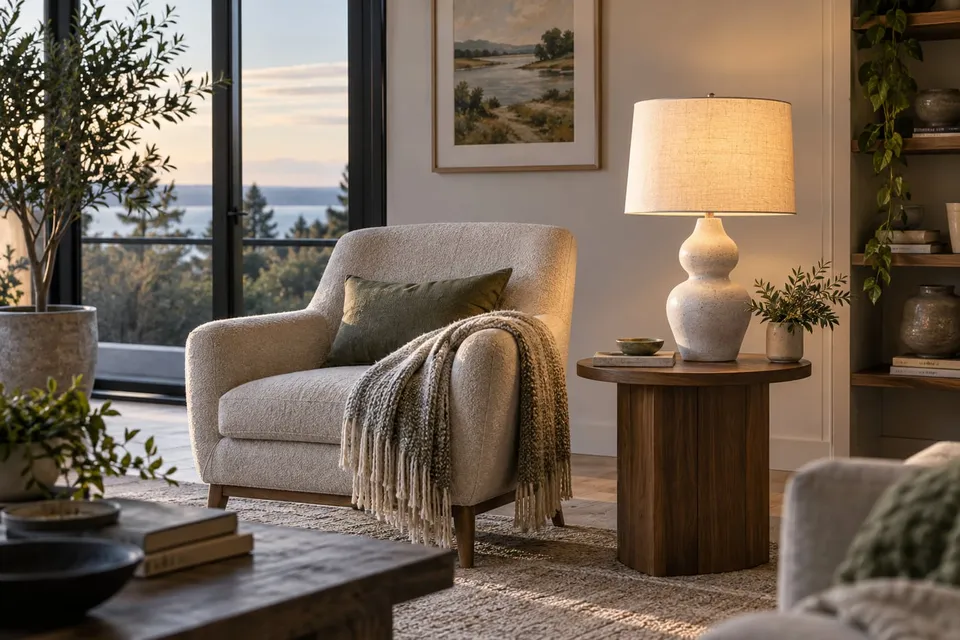
Preview a lamp in your room without guessing its light output
Compare a lamp's shape, finish and position using uploaded photos. Check dimensions, light specifications and installation separately from the generated image.
Read guideA floor lamp changes the outline of a reading corner even before it is switched on. Use a room photo to compare silhouettes, shade colors and placement beside existing furniture. Treat any generated glow as illustration, not as a calculation of the light the lamp will deliver.
Show the whole product clearly. A sharp screenshot of the main product photo is enough.
Show the intended spot and the surrounding room in daylight.
Creating a preview sends both images for AI processing. Privacy
Add a product photo to continue.
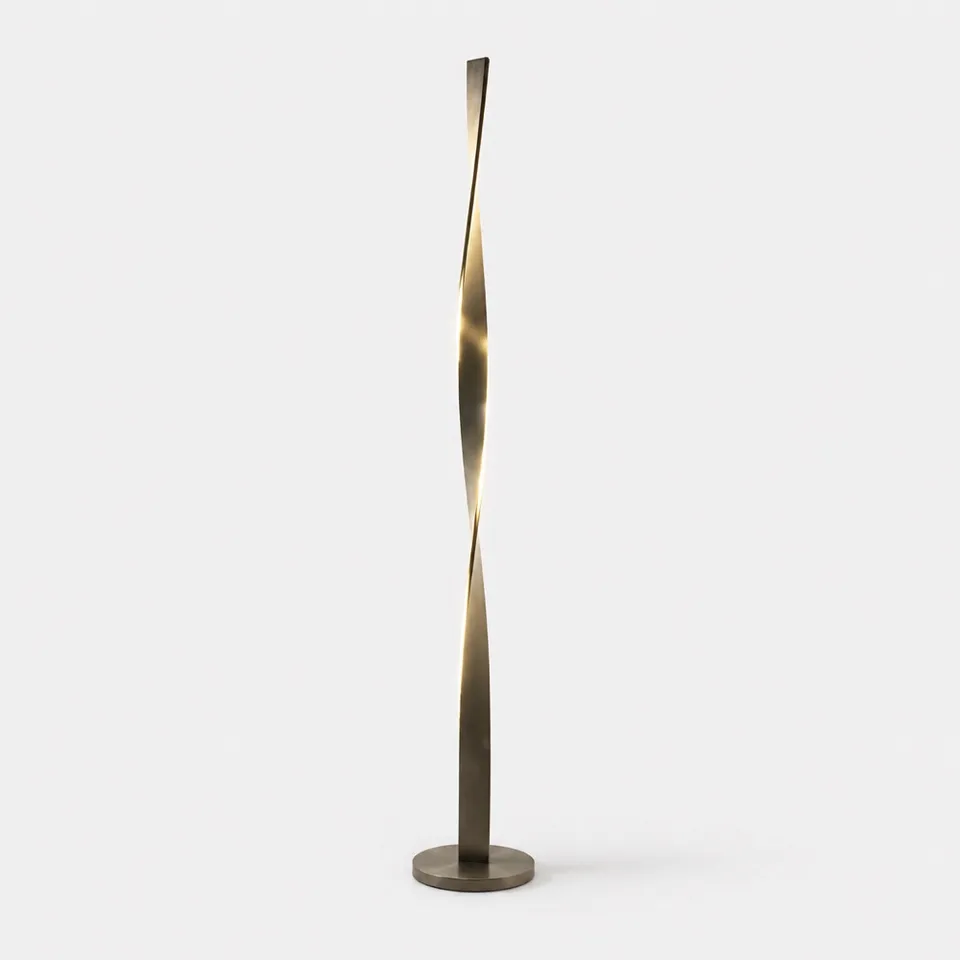
Compare a slim upright lamp with an arched design in the same corner. Measure reach and height separately and check whether its light output suits reading.
Try it freeNo guarantee of scale, installation suitability or lighting performance. Generated shadows and glow are not a lighting plan.
No. It does not calculate illuminance, beam spread or light output. Check lumens, beam angle and the manufacturer’s lighting data.
Yes. Keep the room photo the same and use clear product images. Compare the visual outline and color rather than the generated glow.
No. Confirm mounting, power supply, clearances and any installation requirements using the product documentation.
Compare a lamp's shape, finish and position using uploaded photos. Check dimensions, light specifications and installation separately from the generated image.
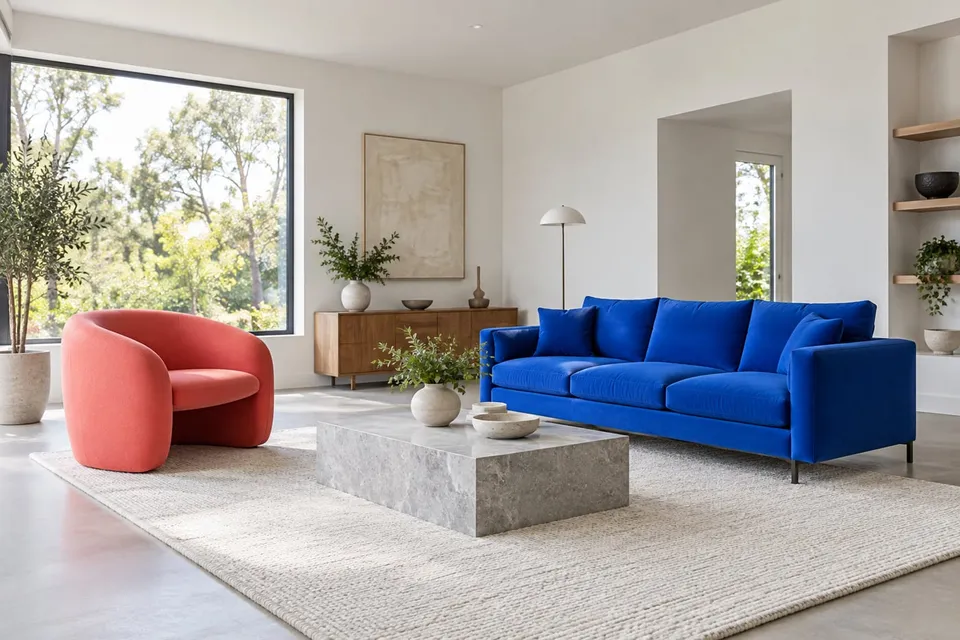
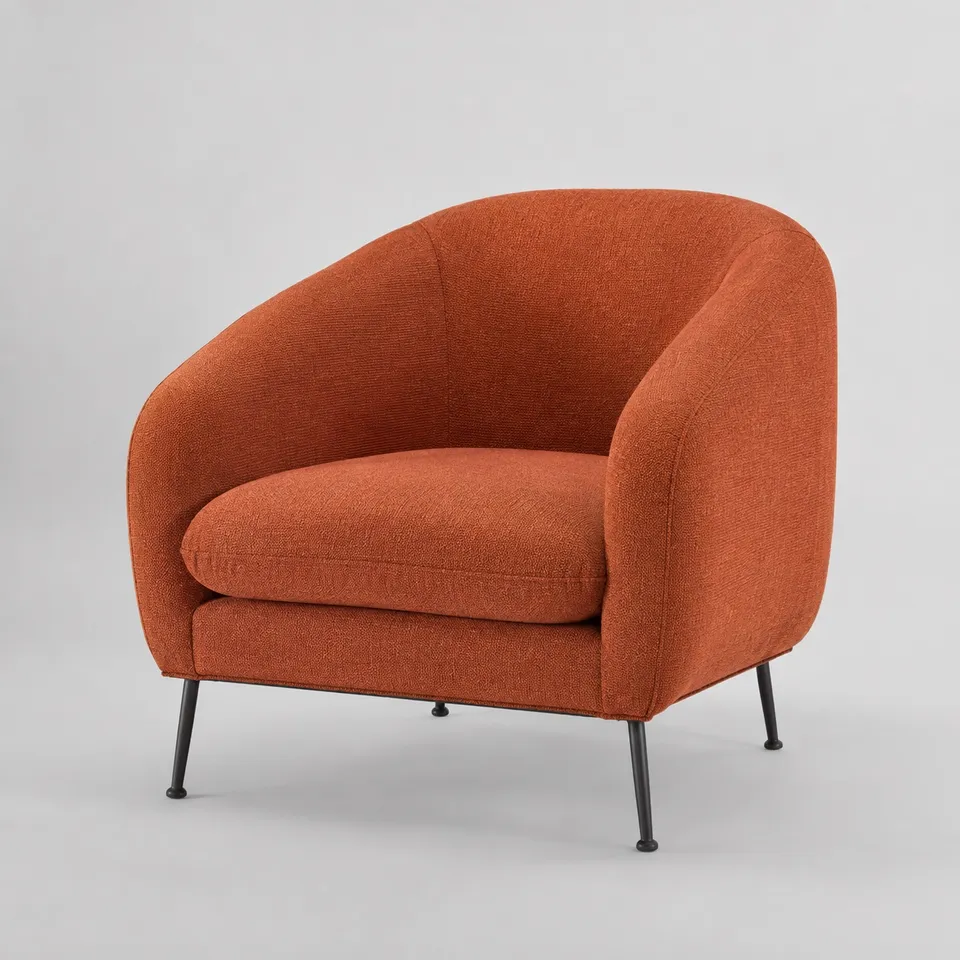
Read guideUpload a furniture photo and a room photo to compare color and shape. Plan the view, mark out real dimensions and check generated scale carefully.
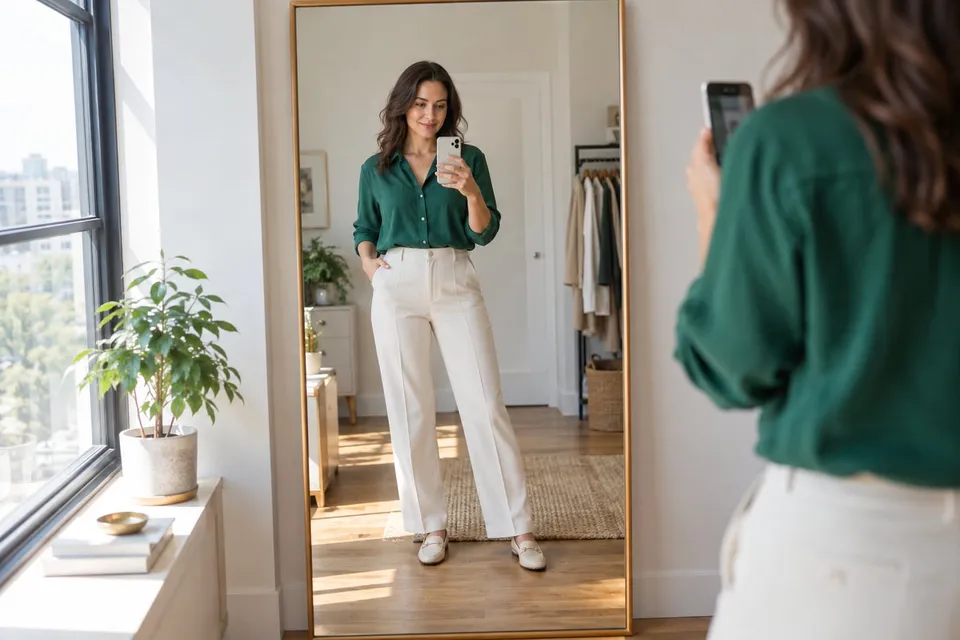
Read guideChoose the right product image, frame your body or room clearly and compare results without mistaking an AI preview for a measurement.
Read guide