A new chair, the same room: preview furniture with purpose
Upload a furniture photo and a room photo to compare color and shape. Plan the view, mark out real dimensions and check generated scale carefully.
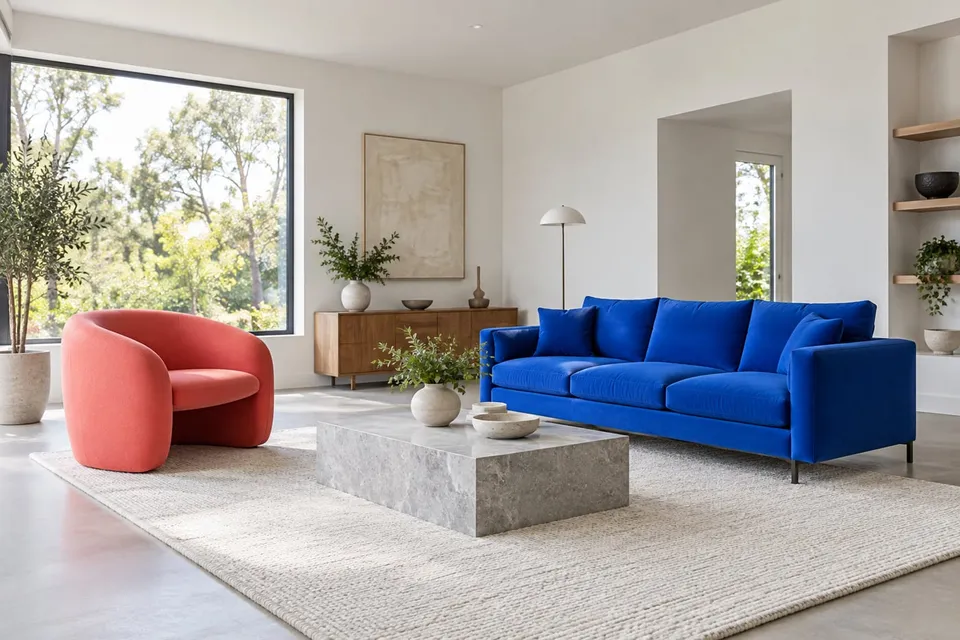
Read guideSee how a chair’s color and shape relate to your sofa, floor and walls. A room preview helps explore an arrangement before you move furniture or narrow down a purchase. It is a visual sketch: leave the measuring tape out for the separate question of whether everything fits.
Show the whole product clearly. A sharp screenshot of the main product photo is enough.
Show the intended space, including the floor and nearby furniture.
Creating a preview sends both images for AI processing. Privacy
Add a product photo to continue.
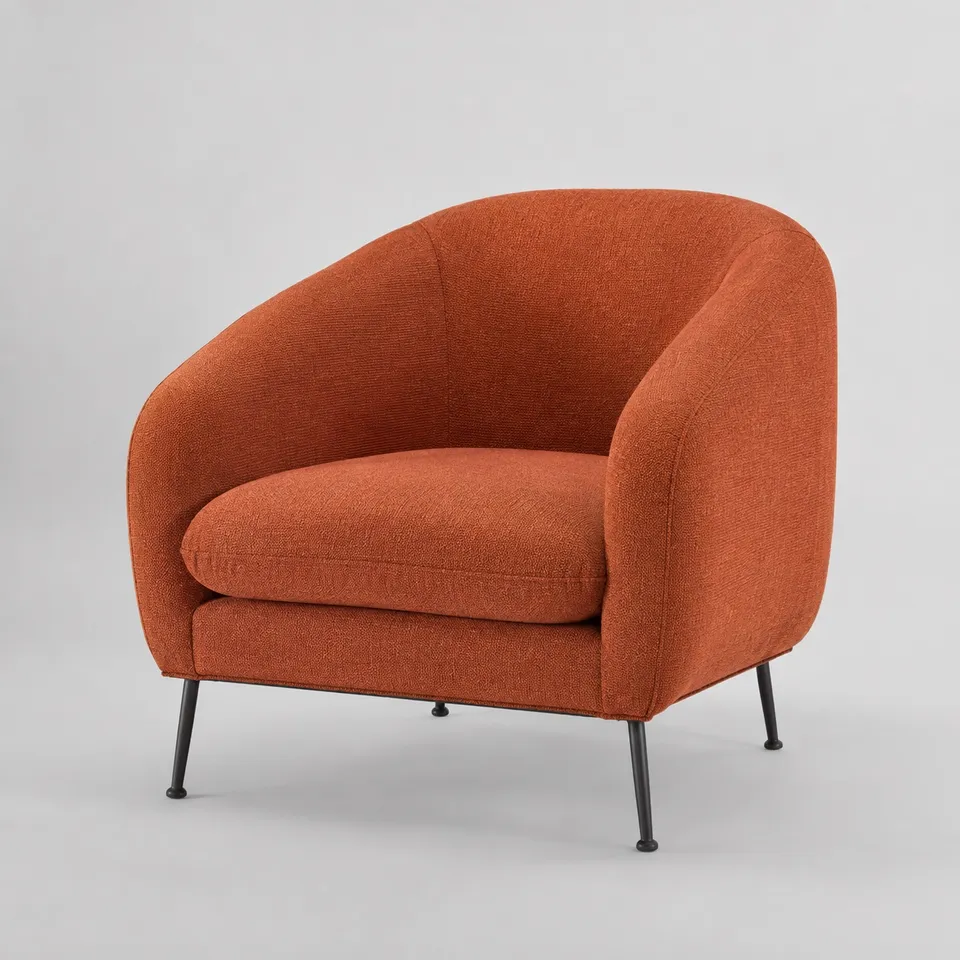
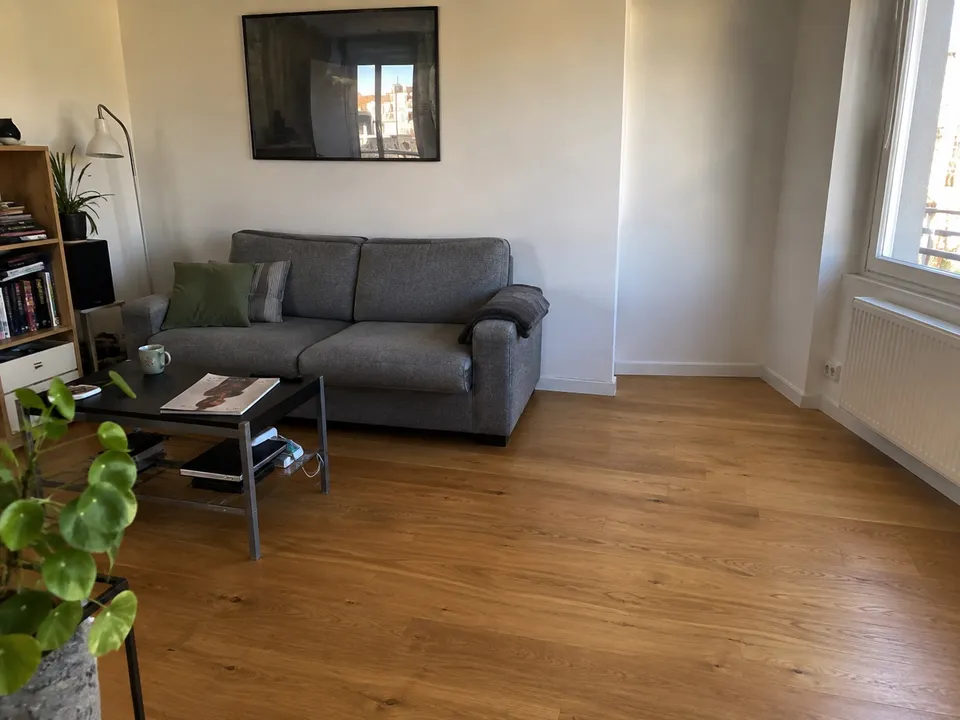
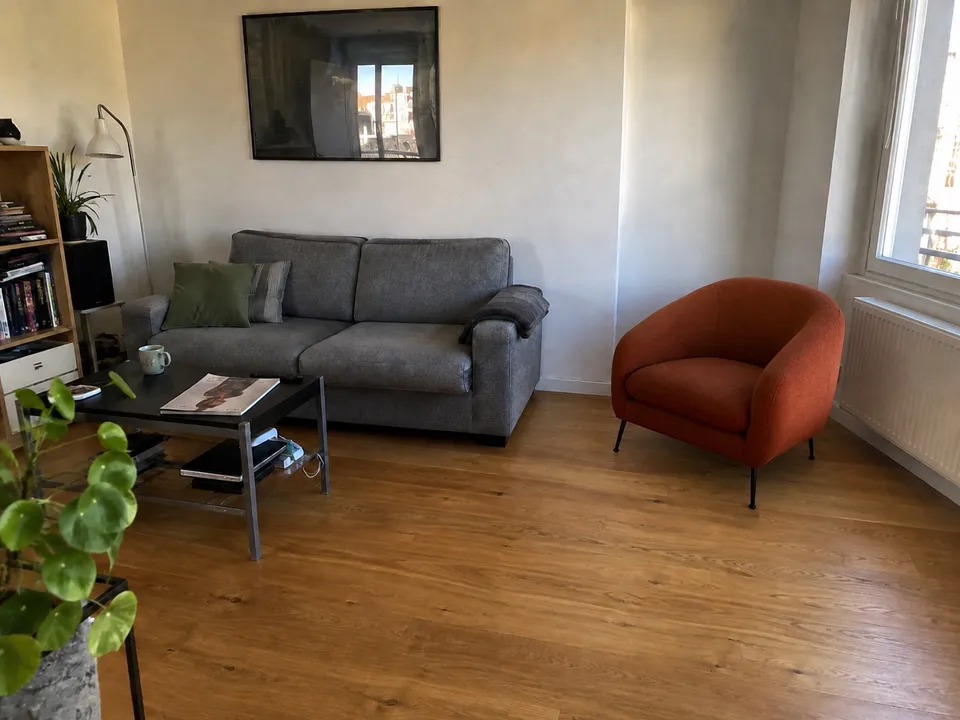
Compare a warm accent chair with a neutral one in the same corner, then check its footprint and the path around it using real dimensions.
Try it freeNo guarantee of scale or physical fit. Verify dimensions, door access, assembly needs and clearances with the seller.
Not reliably. Perspective and scale are inferred from a photograph. Measure the item, floor space and walking clearance separately.
No. Existing furniture provides useful visual context. Keep the area for the new item visible and free of obstructions.
Use a separate product image for each option and the same room photo. The result helps compare color families, not fabric feel or exact shade.
Upload a furniture photo and a room photo to compare color and shape. Plan the view, mark out real dimensions and check generated scale carefully.
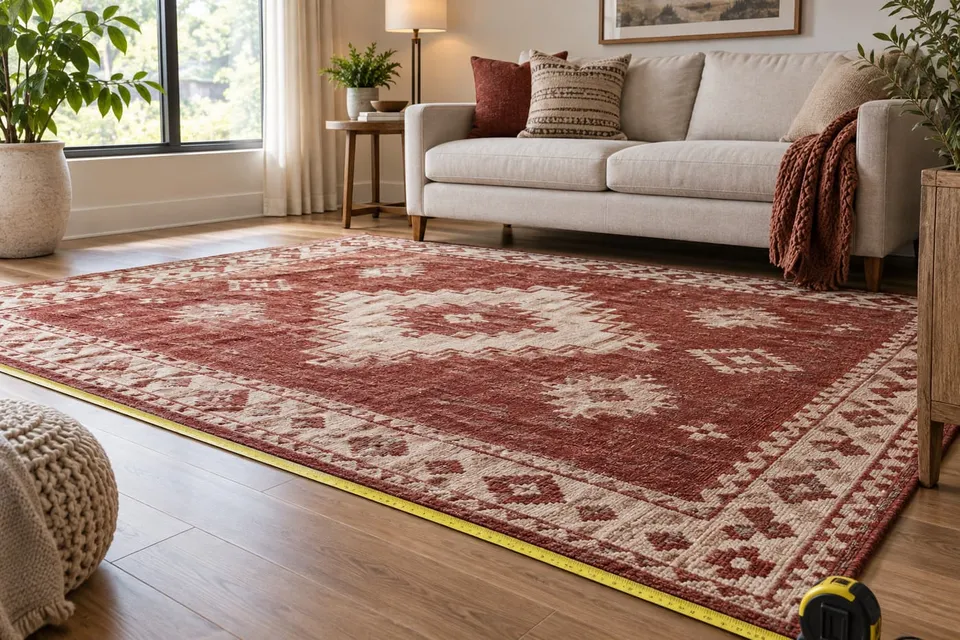
Read guideUpload a rug photo and your room photo to compare pattern and placement. Use real measurements to choose dimensions; the preview does not establish scale.
Read guideFind the stage that failed, check both uploads and the square crop, then follow the displayed error. A distorted preview needs different action from a connection failure.
Read guide