Better photos for a useful virtual try-on
Choose the right product image, frame your body or room clearly and compare results without mistaking an AI preview for a measurement.
Start with the question you want to answer
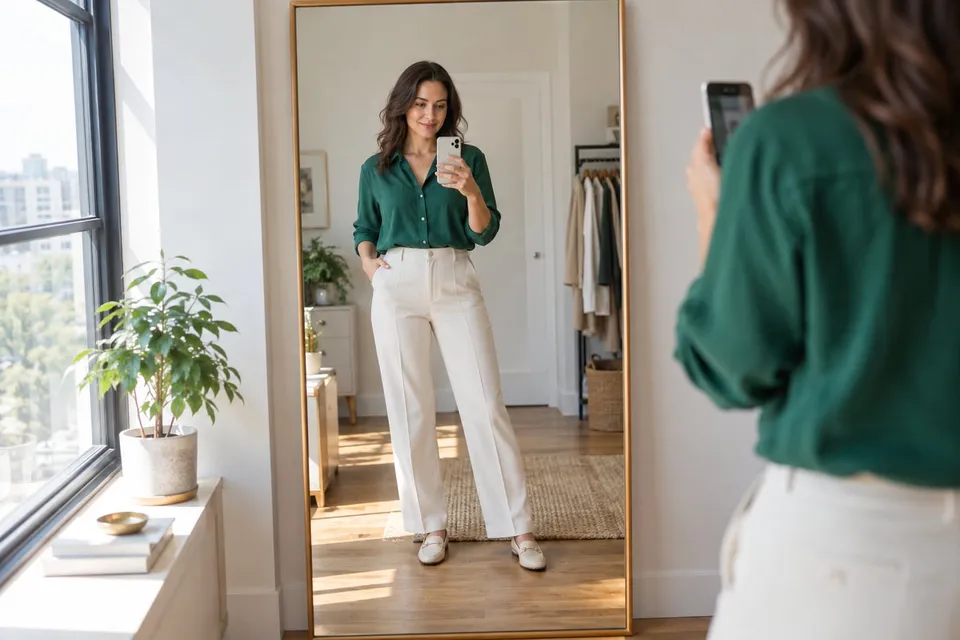
A useful preview starts before you upload anything. Decide whether you want to compare a jacket color, a glasses shape or a chair against your existing room. That question tells you what must be visible. A full-body photo is helpful for an outfit, but a clear portrait is better for glasses. One well-framed photo often gives you a more useful comparison than repeatedly generating from an image that hides the important area.
Give the product a clear reference
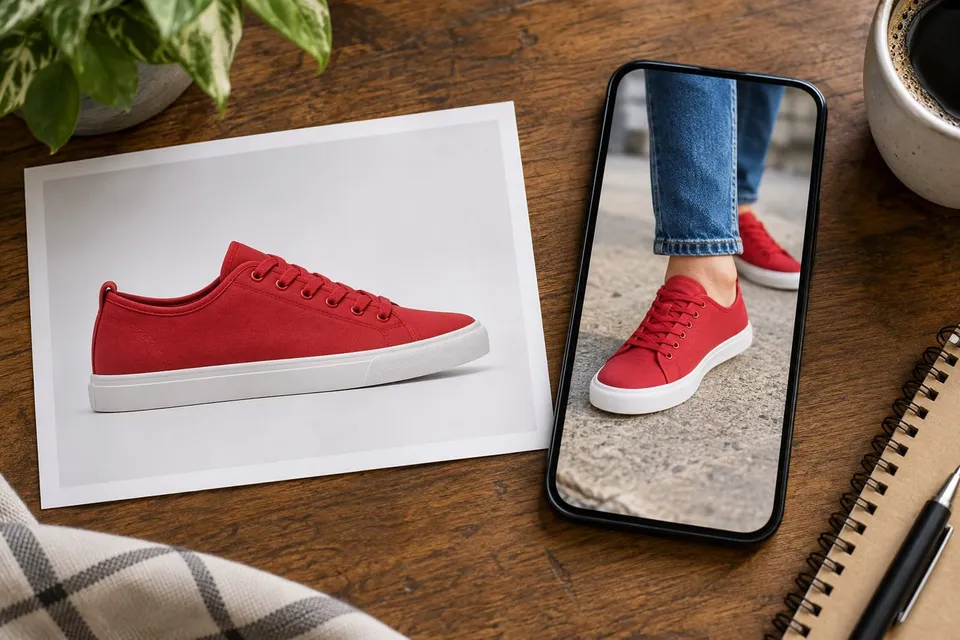
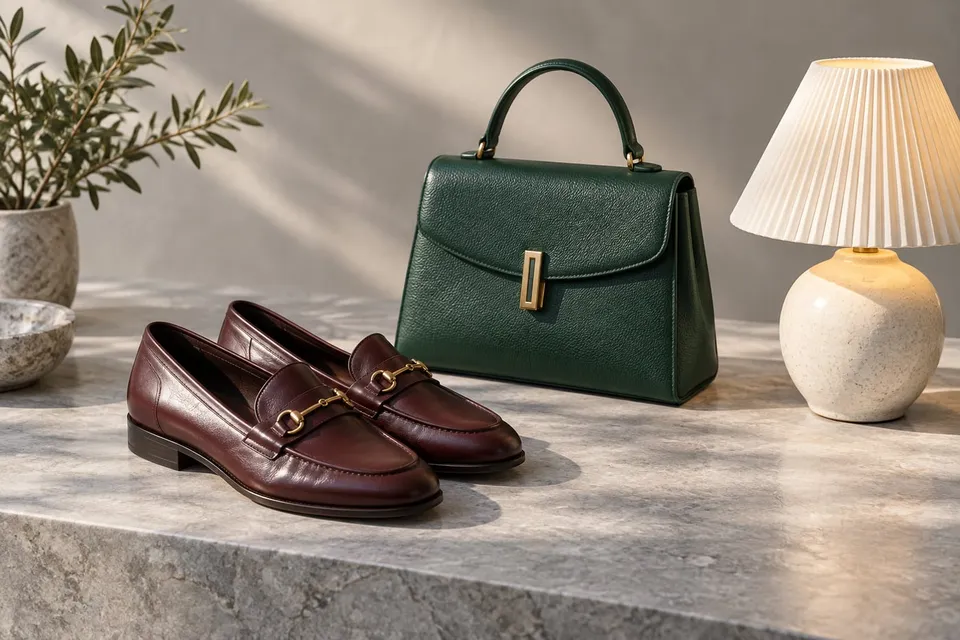
Choose an image showing one product clearly, preferably without labels, large text or several competing items. Check that it is the color and version you actually intend to compare. A front view often helps with clothing and glasses; furniture benefits from a view that makes its shape understandable. Do not crop off the sleeves, legs, frame or lamp shade. If a shop image shows several variants together, look for a separate image of the chosen item rather than asking the preview to resolve the collage.
Photograph yourself without hiding the target area
Use ordinary, even light and a natural pose. For a jacket, keep shoulders, torso and arms visible, with a little space between arms and body. For shoes, include both feet and the trouser hems. Glasses need a front-facing portrait without an existing frame over the eyes. Avoid filters that reshape the face or smooth away edges. Check the crop before continuing: a sharp photo is still a poor reference if the wrist or shoulder you need has been cut away.
Keep room photos grounded in their surroundings
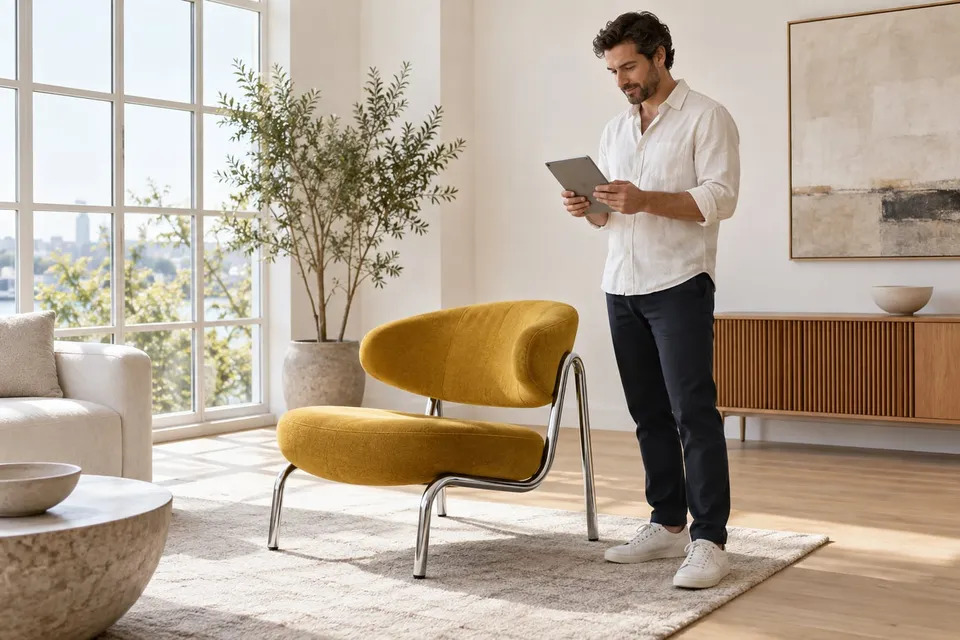
For a chair, show the floor, the nearby wall and some existing furniture. For wall art, face the wall as straight on as you can and include the furniture below it. These visible relationships give the preview context, but they do not establish exact measurements. Avoid an ultra-wide view that stretches objects near the edge. Photograph a lamp position in normal daylight; dramatic darkness makes it harder to compare the object’s outline independently of any generated glow.
Compare one change, then check the real product
Keep the same personal or room photo when comparing products. Changing the angle, light and product together makes it difficult to tell what you prefer. Inspect the result next to the reference: did the face, surrounding furniture or important product details change? If so, adjust the source rather than treating the altered scene as evidence. Upload only photos you have permission to use and avoid unrelated personal details in the background. Finish with the seller’s dimensions, materials and sizing guidance; a plausible image does not guarantee fit.
About this guide
Prepared with AI assistance by Focus Labs, the operator of VirtualTryOn.store. These guides explain the tool and practical purchase or integration checks; they are not independent product tests. External evidence is linked where used. Illustrations are AI-generated unless identified as product examples.