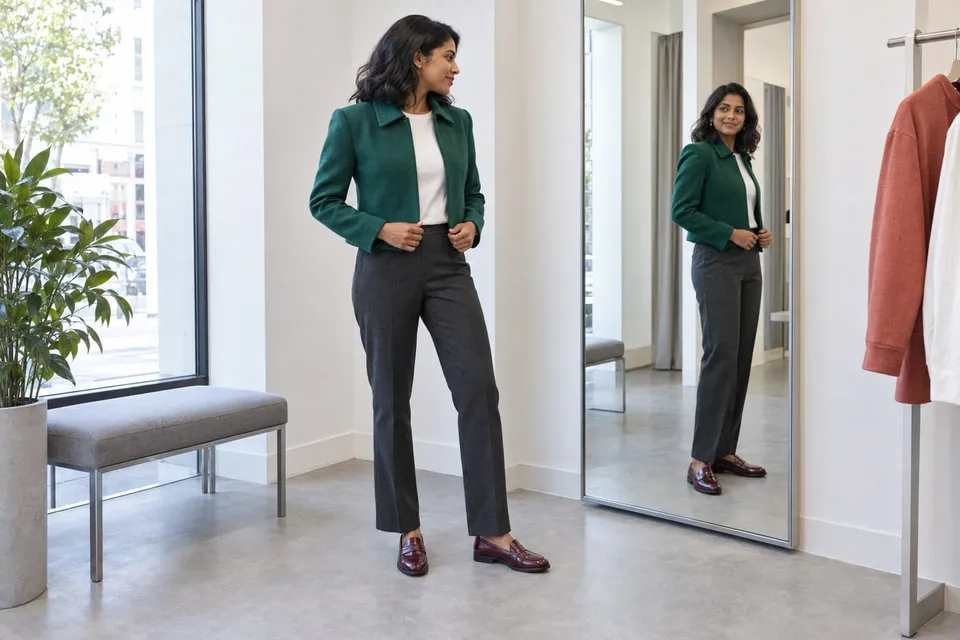
How will these clothes look on me, and will they actually fit?
Use a photo preview to compare outfits, then check the garment's size chart, measurements and movement needs. Keep visual preference separate from physical fit.
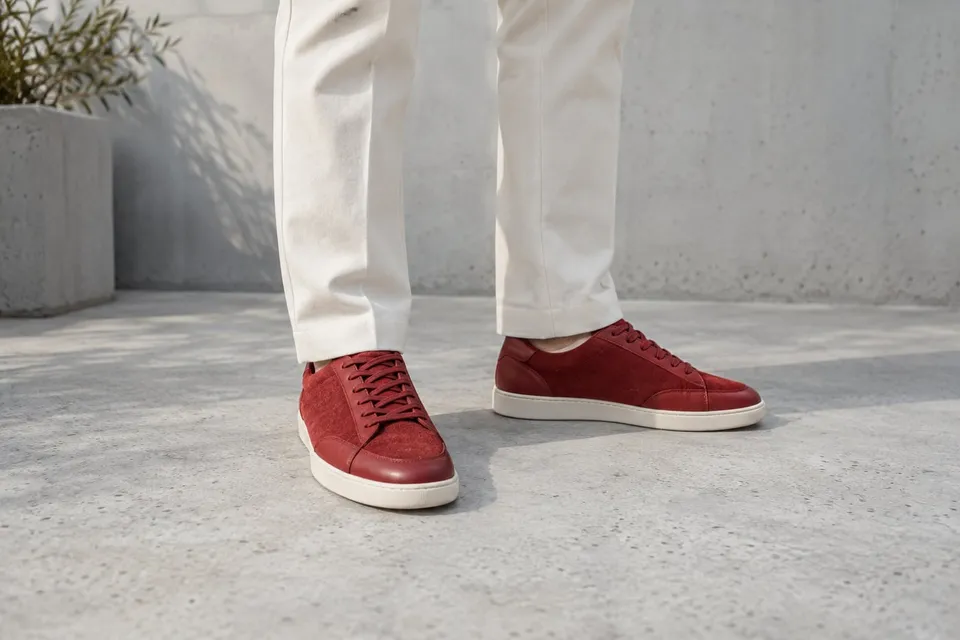
Read guideShoe shape and color can change the balance of an outfit. Compare a pair with the trousers you actually plan to wear, using a photo that shows both feet and the hems. The useful question is how the combination looks, not whether the shoe will feel comfortable.
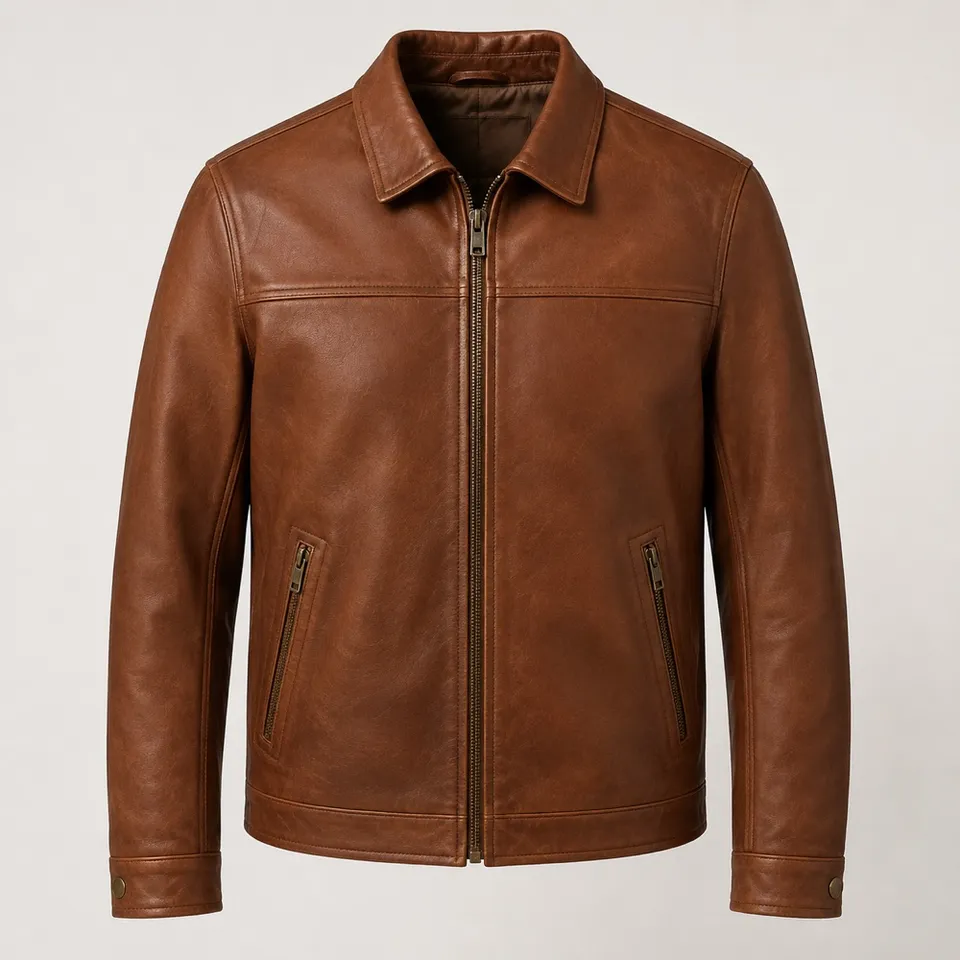
Show the whole product clearly. A sharp screenshot of the main product photo is enough.
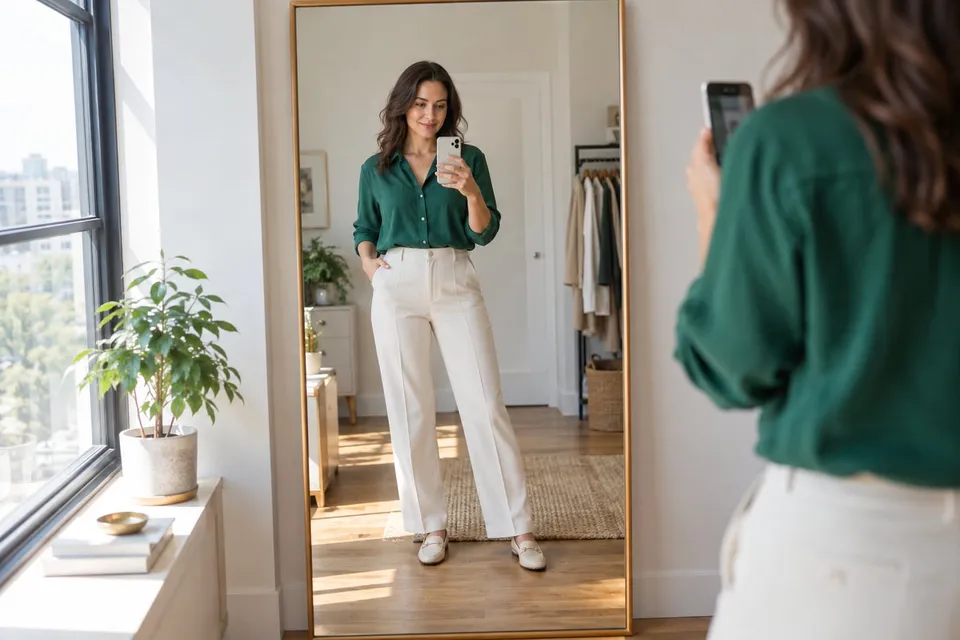
Keep both feet and your outfit clearly visible.
Creating a preview sends both images for AI processing. Privacy
Add a product photo to continue.
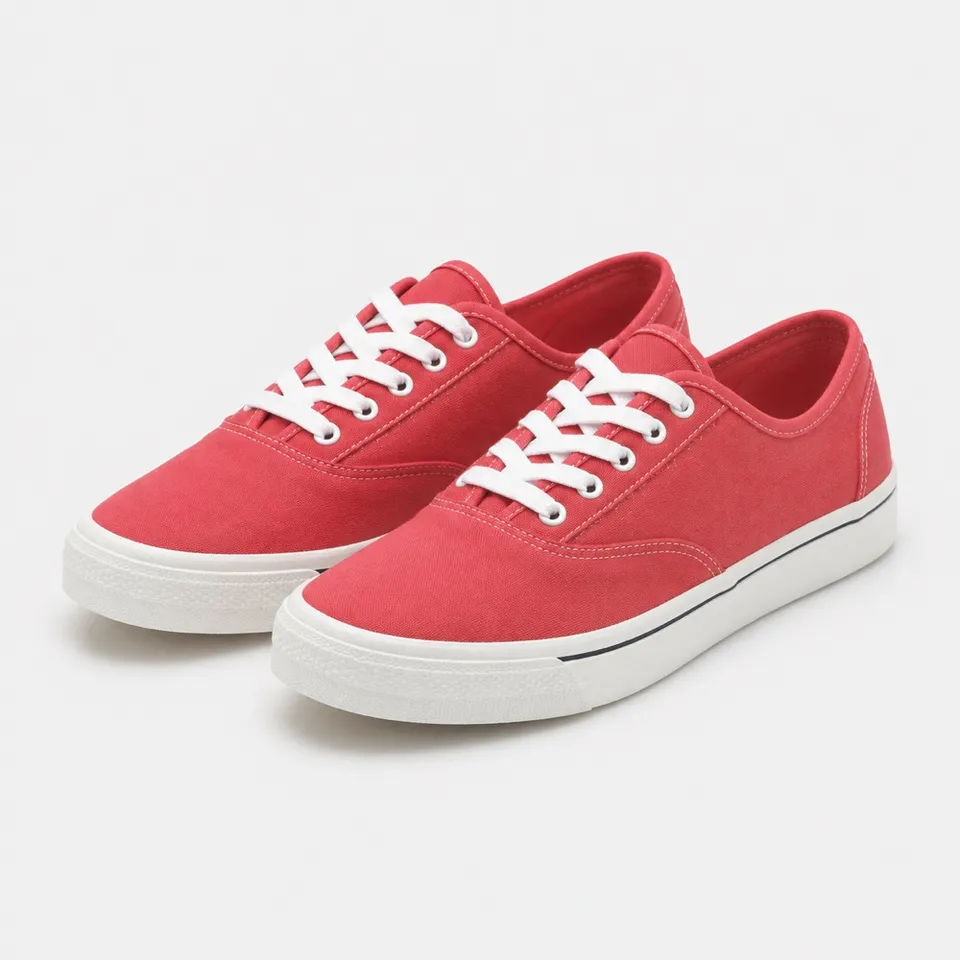
Use the same outfit photo to compare a bright sneaker with a quieter color. Look at the color balance around the hem, then evaluate comfort separately.
Try it freeNo guarantee of size, comfort or support. The preview cannot assess how a shoe fits or performs when walking.
No. The image cannot establish foot length, width or internal shoe volume. Consult the maker’s size guidance and your measurements.
Yes, an ordinary outfit photo can be used. Choose one where both feet are clear; long hems and crossed ankles can obscure the replacement.
Not necessarily. Compare these details with the product image. AI can change lace patterns, branding and sole thickness.
Use a photo preview to compare outfits, then check the garment's size chart, measurements and movement needs. Keep visual preference separate from physical fit.
Read guideUpload a shoe photo and your outfit photo to compare hems, silhouette and color. Check sizing and comfort separately.
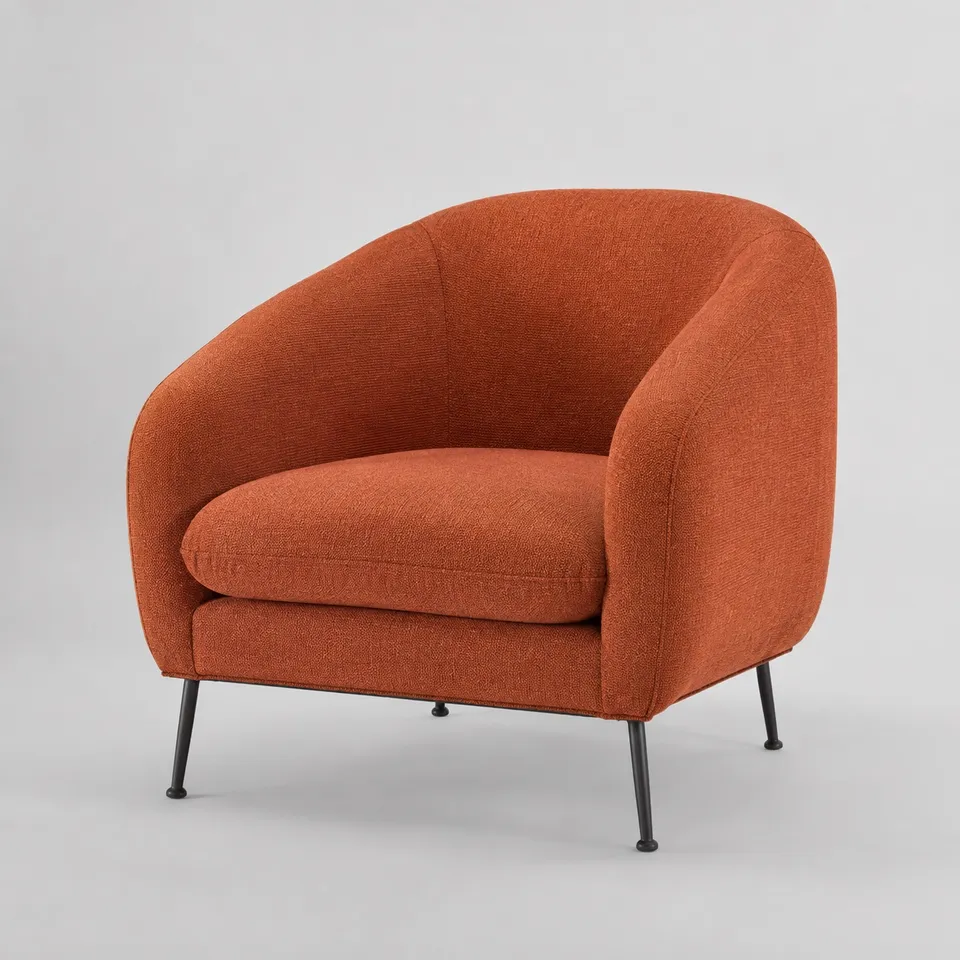
Read guideChoose the right product image, frame your body or room clearly and compare results without mistaking an AI preview for a measurement.
Read guide