AI previews and AR try-on: what each can show
Understand generated photo previews and live augmented reality, their different inputs and the checks you still need before buying.

Choose by the decision, not the label
Virtual try-on describes an experience, not one single technology. A moving pair of glasses on a camera view and a generated photo of you in a jacket can both carry that name. They answer different questions and make different assumptions. Before choosing one, ask whether you need to explore a still image, see an object respond to movement or verify a physical measurement. No label alone tells you how accurate a particular implementation is.
What a generated photo preview does
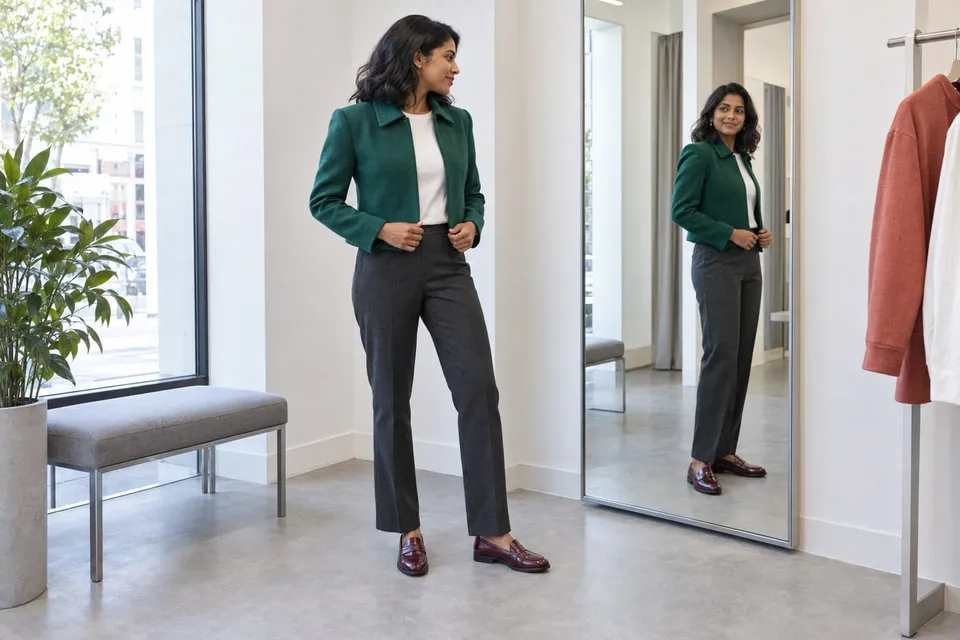
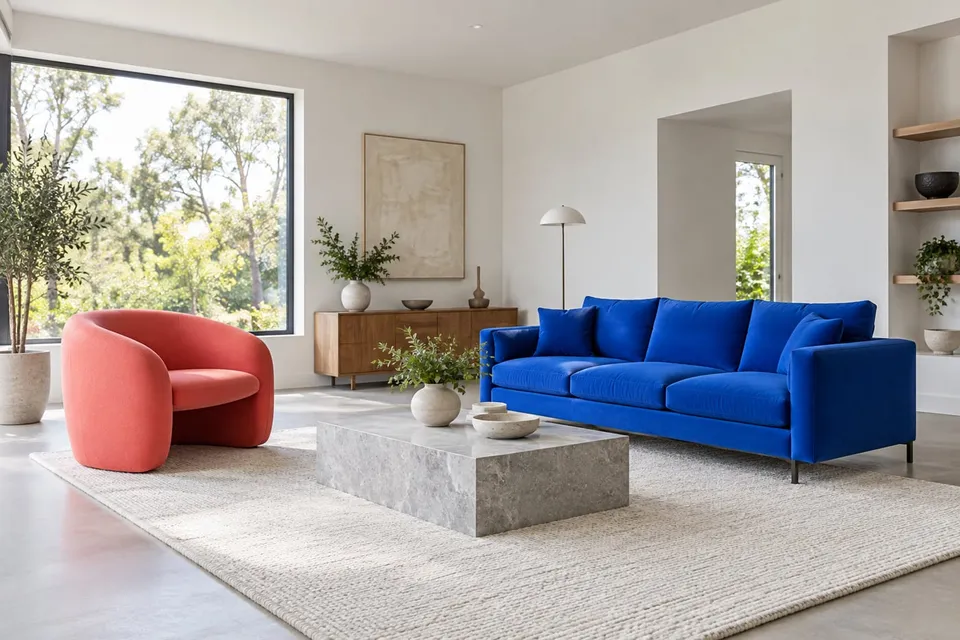
In an image-based AI preview, a product picture and a person or room photo provide references for a newly generated image. This can help explore a jacket with an existing outfit or a chair beside your sofa without preparing a 3D asset for this tool. The output is an interpretation of the references. Seams, reflections, patterns and nearby objects can change. A result that looks natural is not proof that the product has been reproduced exactly or that its apparent dimensions are correct.
What an AR experience adds
Augmented reality places digital content into a camera view or another view of the physical world. Depending on the implementation, it may track a face, detect a surface or use a model of an object. The position can respond as the camera or person moves, making different angles easier to explore. Accuracy still depends on tracking, the assets and any calibration. Not every AR system uses the same methods, and AR can itself use AI; these terms are not mutually exclusive categories.
Match the method to the visual question
For a jacket and trousers, a still photo can make it easy to compare a whole look. For glasses, a well-built moving experience may help explore the frame from different angles. For furniture, an appropriately scaled AR model can be useful when walking around a placement, while a photo preview helps compare the composition of a room. In each case, ask which properties are represented and which are inferred. A rendered lamp glow, for example, should not be treated as a measured lighting design.
Keep physical checks in the buying process
Neither a persuasive generated image nor a stable overlay automatically establishes comfort, fit or product quality. Check the actual size chart for clothing, frame dimensions for glasses and clearances for furniture. Inspect important small details in the original product photographs. If a preview changes your body, face or room, consider that when interpreting it rather than assuming the change belongs to the product. Use visual tools to make a shortlist and discuss possibilities, then use measurements and product information to make the final decision.
About this guide
Prepared with AI assistance by Focus Labs, the operator of VirtualTryOn.store. These guides explain the tool and practical purchase or integration checks; they are not independent product tests. External evidence is linked where used. Illustrations are AI-generated unless identified as product examples.