Bold or barely there? Compare glasses frames on your face
Upload a frame photo and a clear portrait to explore outline, rim thickness and color. Check face changes and real fitting measurements.
Read guideCompare the visual weight of a dark frame, a softer shape or a different color against your face. A well-lit portrait makes this comparison easier than a cropped shop photo of a model. Use the preview to make a shortlist, then check frame measurements and fitting with an optician.
Show the whole product clearly. A sharp screenshot of the main product photo is enough.
Use a well-lit, front-facing photo without glasses.
Creating a preview sends both images for AI processing. Privacy
Add a product photo to continue.
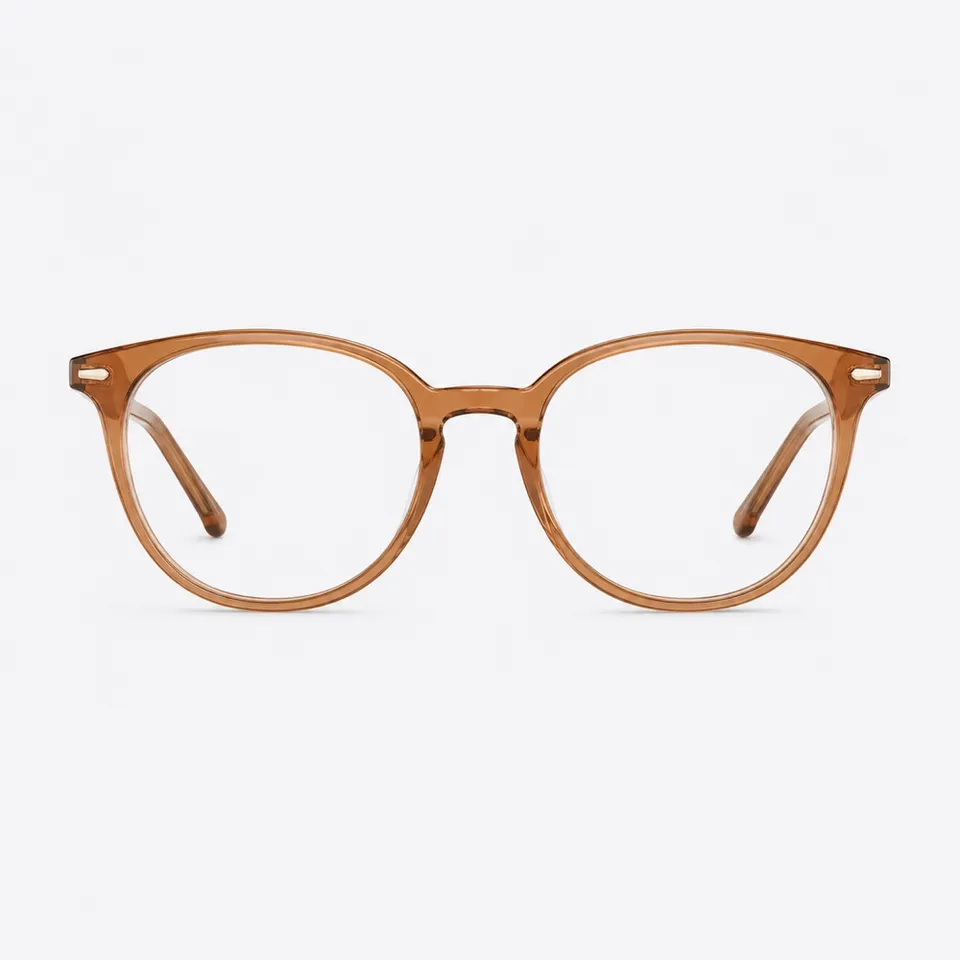
Keep the same portrait and compare two frame shapes. Notice how much of your face each appears to cover without treating that impression as a measurement.
Try it freeNo fit or optical guarantee. Frame width, lens properties, prescription suitability and comfort need separate checks.
No. It does not provide optical measurements. Use an optician’s measurements for prescription lenses and positioning.
You can explore their shape and overall look with a suitable product image. Lens darkness and reflections are only a visual interpretation.
No. Comfort depends on bridge design, temple length and adjustment, which a generated portrait cannot test.
Upload a frame photo and a clear portrait to explore outline, rim thickness and color. Check face changes and real fitting measurements.
Read guideChoose the right product image, frame your body or room clearly and compare results without mistaking an AI preview for a measurement.
Read guideUnderstand generated photo previews and live augmented reality, their different inputs and the checks you still need before buying.
Read guide