Choose a useful product photo for virtual try-on
Save a permitted product photo, choose the right variant and crop screenshots cleanly. Upload it with your own photo for a more useful AI preview.
Start with the exact product and variant
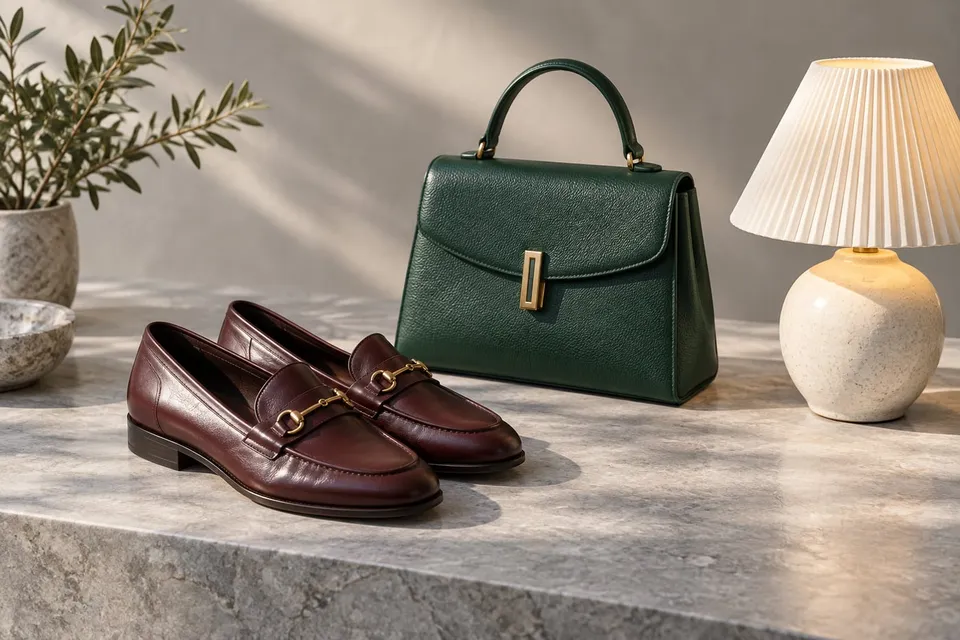
Open the seller’s page and choose the color or finish you want to compare. Look through its images for a clear view of that item. A front view often helps with clothing and glasses; a three-quarter view can show a chair’s shape. Check that an accessory or a second item is not being mistaken for the product. Keep the product-page link with your shortlist so you can return to the seller later.
Save a product photo you may use
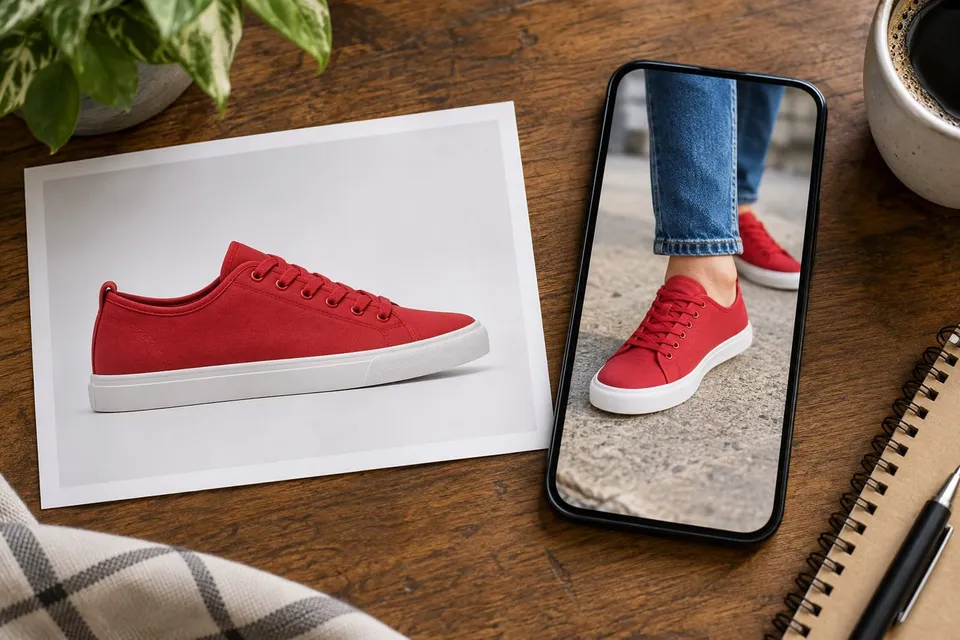
Where the merchant allows it, save the relevant product image to your device. You can also take your own photo of an item you have access to. Choose a sharp image with the whole product visible and a simple background. The consumer tool starts with a photo upload. A product-page link is useful for returning to shop, but it does not provide the image for your preview.
Crop screenshots to the useful image
If you use a screenshot you are allowed to upload, crop away browser controls, prices, menus, chat bubbles and unrelated recommendations. Remove account details or other personal information. Leave a small margin around the complete product: sleeves, shoe toes, chair legs and lamp shades should stay visible. Keep the original proportions and color. Enlarging a tiny thumbnail cannot restore missing detail; look for a clearer image if the edges are hard to see.
Add your own photo or use the camera
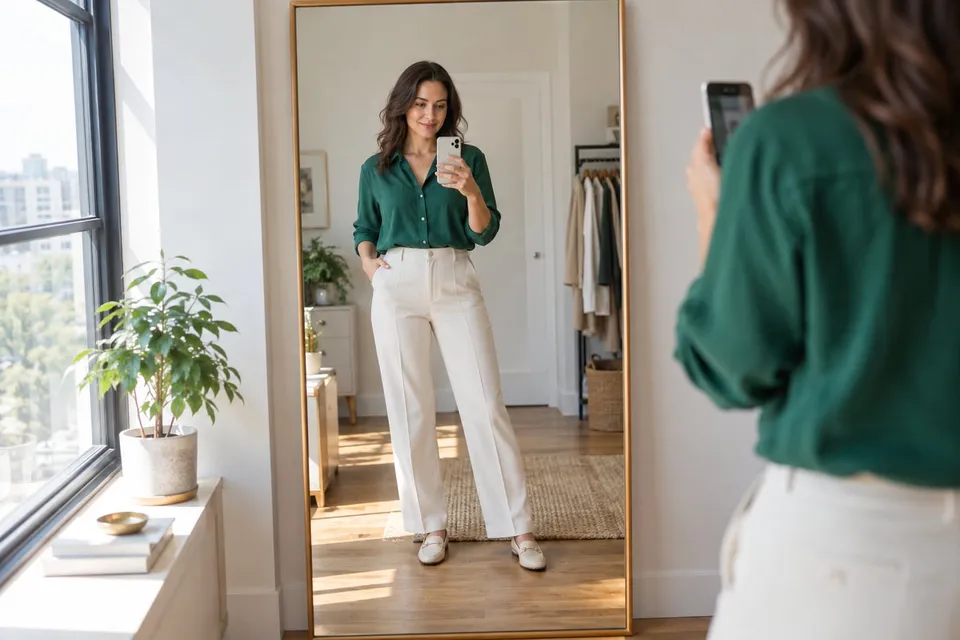
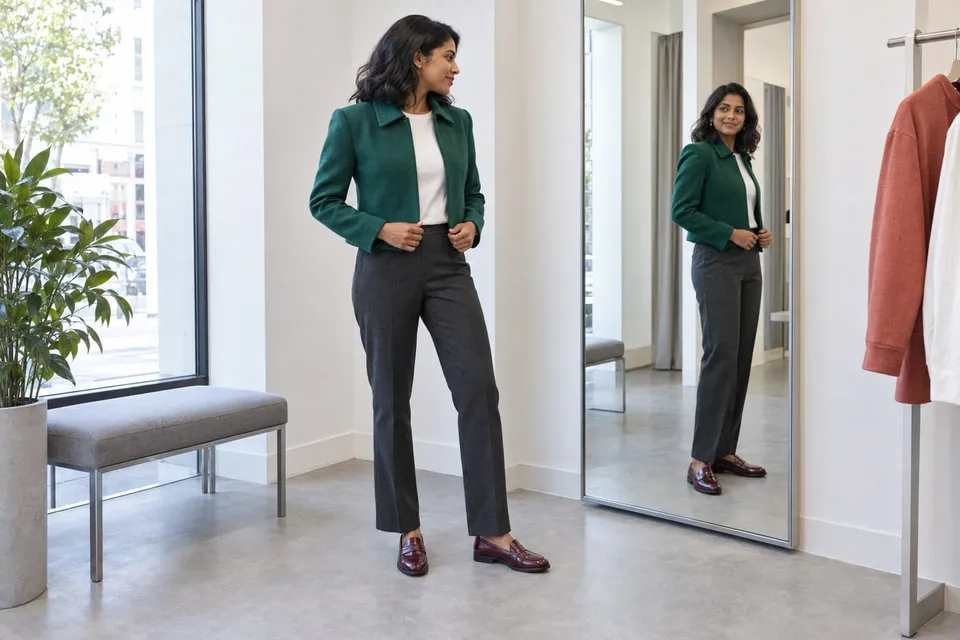
Upload the product photo, then add a photo of yourself or your room, or take one with the camera. Show the relevant area clearly: face for glasses, feet and trouser hems for shoes, or floor and nearby furniture for a chair. Check both images before generating. Keep your own photo the same when comparing products so changes in lighting or pose do not decide the comparison.
Keep the seller’s page for the buying decision
Compare the preview with the original product image, especially patterns, shape and finish. A generated image can change details and does not confirm size, comfort, stock or exact color. Return to the seller for measurements, materials, availability and return conditions. If you save or share a preview, keep the product-page link and variant with it so the actual item is easy to find.
About this guide
Prepared with AI assistance by Focus Labs, the operator of VirtualTryOn.store. These guides explain the tool and practical purchase or integration checks; they are not independent product tests. External evidence is linked where used. Illustrations are AI-generated unless identified as product examples.