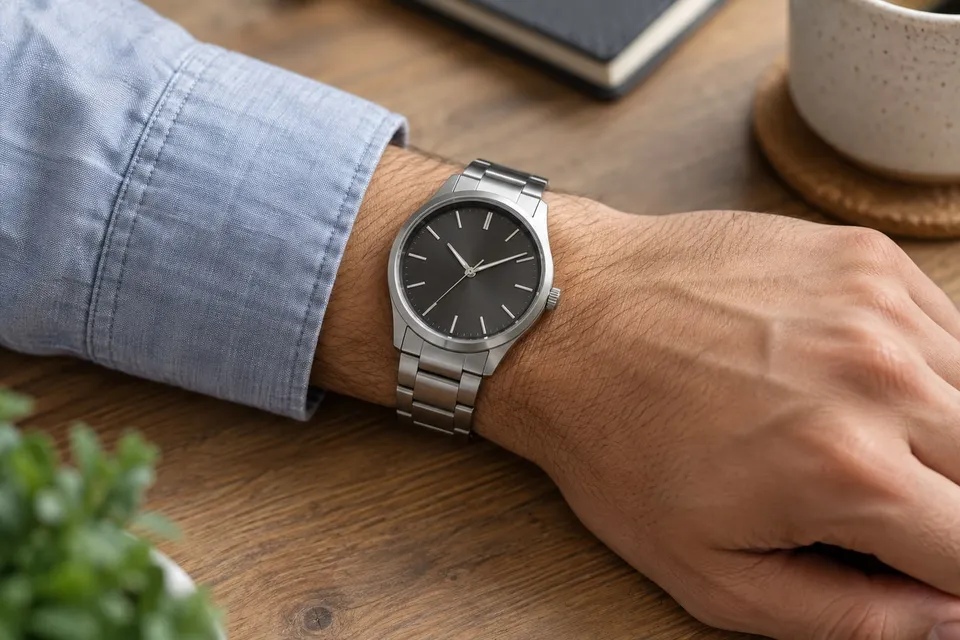
Preview a watch on your wrist: style first, measurements separately
Upload a watch photo and a wrist photo to compare dial, case and strap styling. Confirm case dimensions and strap fit with the seller's measurements.
Read guideA watch finish or necklace shape takes on a different character beside your clothing and skin tone. Use a photo of the relevant area to explore that relationship. Keep the item you want to try as the focus, especially when reflections or small details could distract from its shape.
Show the whole product clearly. A sharp screenshot of the main product photo is enough.
Show your wrist and hand clearly in natural light.
Creating a preview sends both images for AI processing. Privacy
Add a product photo to continue.
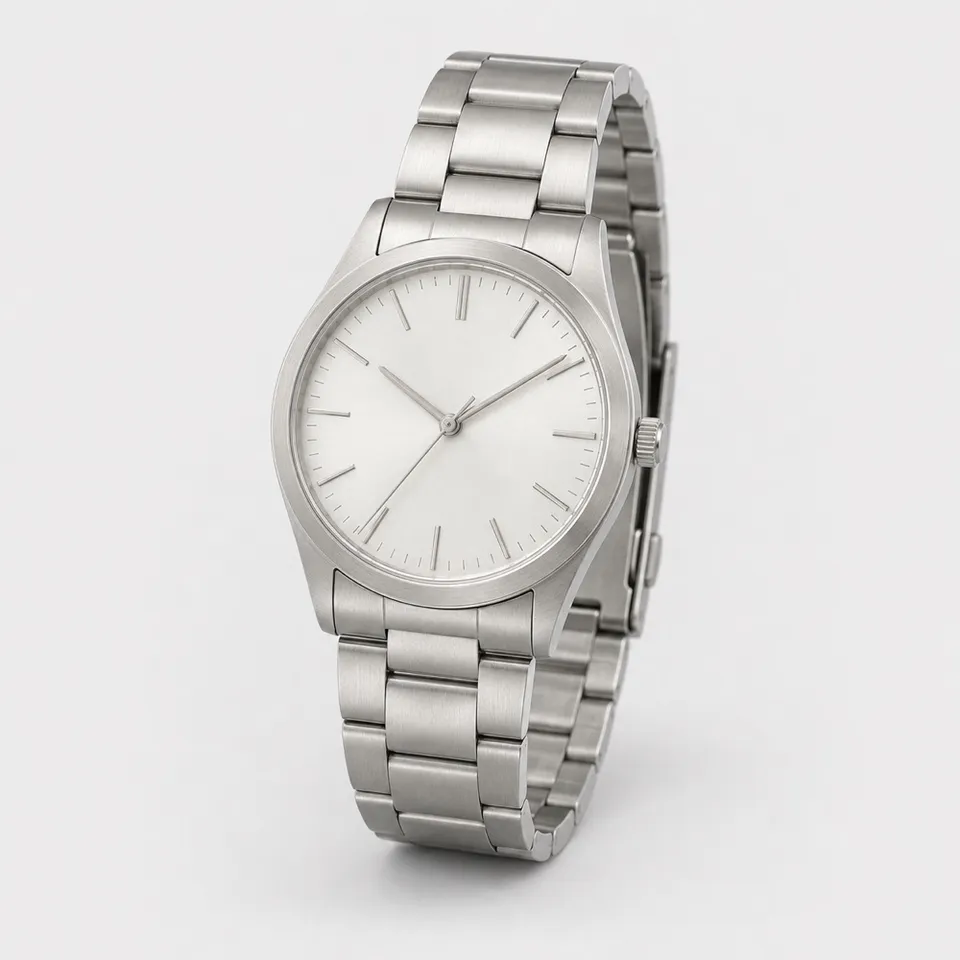
Compare a metal bracelet and a darker strap against the same sleeve. Explore the contrast, then check the physical dimensions and strap adjustment.
Try it freeNo guarantee of fit, material, authenticity or exact scale. Small details, engravings and reflections may change.
You can explore its apparent presence, but not measure it. Compare the listed case diameter and lug-to-lug distance with your wrist separately.
No. Circumference, finger shape and fastening fit cannot be determined from this preview.
No. Lighting and image generation can change finishes, reflections and small stones. Use the seller’s material specification as the reference.
Upload a watch photo and a wrist photo to compare dial, case and strap styling. Confirm case dimensions and strap fit with the seller's measurements.
Read guideSave a permitted product photo, choose the right variant and crop screenshots cleanly. Upload it with your own photo for a more useful AI preview.
Read guideChoose the right product image, frame your body or room clearly and compare results without mistaking an AI preview for a measurement.
Read guide